WAStickerApps Education Stickers! ready to build an amazing classroom community? Go 😉


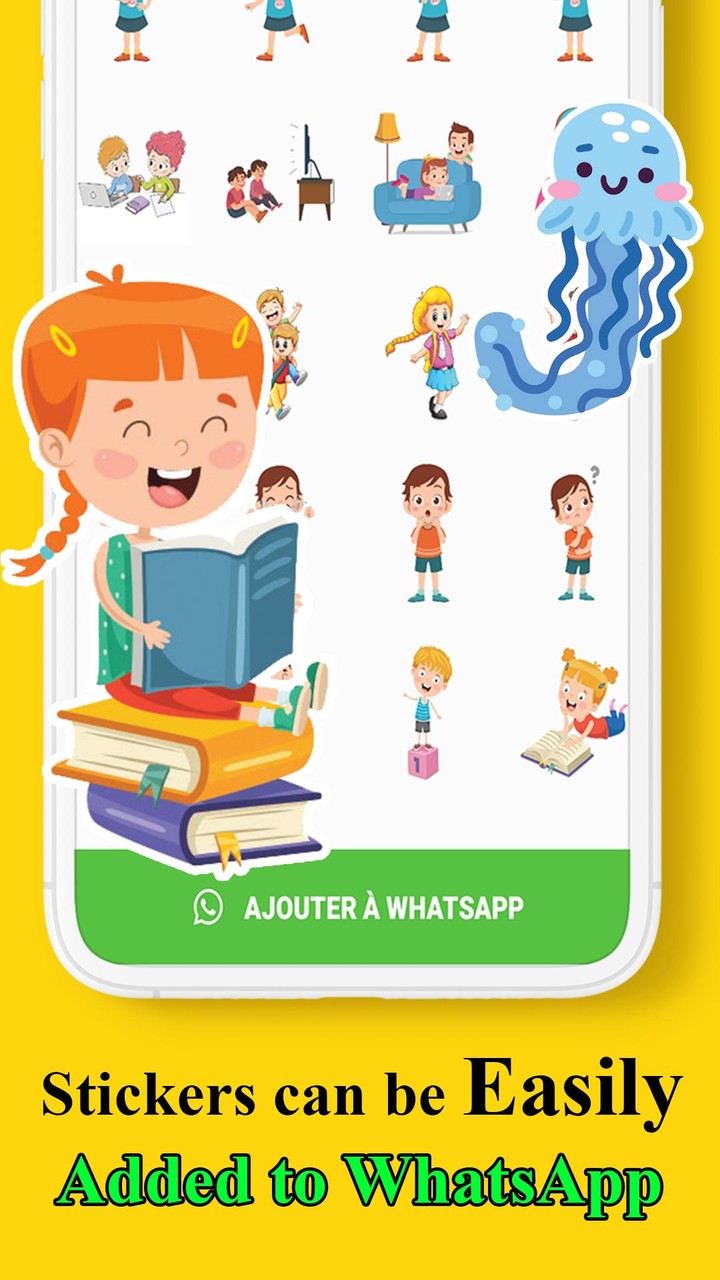
Stickers of Education “WASticker” provides minon stickers “s ed” for Whatsapp messenger that works across mobile and desktop; there are lovely stickers that can help you in your conversations, when you talk with other students and also teachers outside of your classrooms, because if they teaching you educational sciences, alphabet, other interesting school subjects and can also give you schoolwork, you’ll need to have an education connect way to chat and easily keep in touch with this teachers and classmates, this is why we bring you this minon application to let you express your feelings, emotions and all of what you want to say with this stickers that can speak in place of phrases.


Stickers for different uses


We have a lot of “ef education stickers” for you! The app has nice and funny stickers in many variations. from math and literacy to digital citizenship and sustainability…, there is a lot of packs of stickers that contains:


✔ Stickers of books


✔ WAStickerapps Arabic Alphabets


✔ Number Stickers for Children


✔ Stickers of classrooms


✔ Stickers of Students and Teachers


✔ WAStickerapps Education's Emoji


✔ WAStickerapps Study at Home


✔ Stickers to Rate Tasks


✔ Stickers for Virtual Classes and Online Classes


✔ Greetings Stickers for Teachers


✔ WASticker congratulations stickers


✔ WASticker graduation stickers


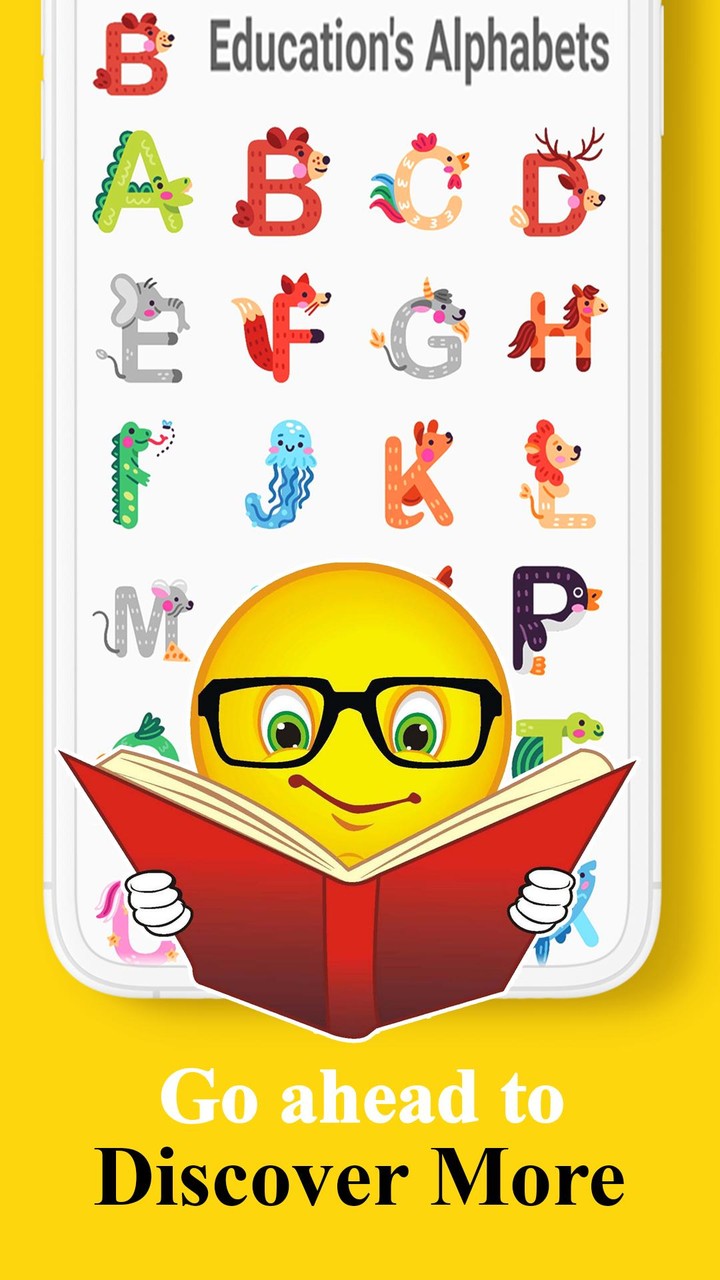
✔ WAStickerapps Education's Animals


😊 we did that stickers and more!


So how to add the Stickers?

1- Install this wonderful application.
2- Choose your favorite Sticker pack.
3- Click on the pack and then on the "ADD" button.


App features & using:


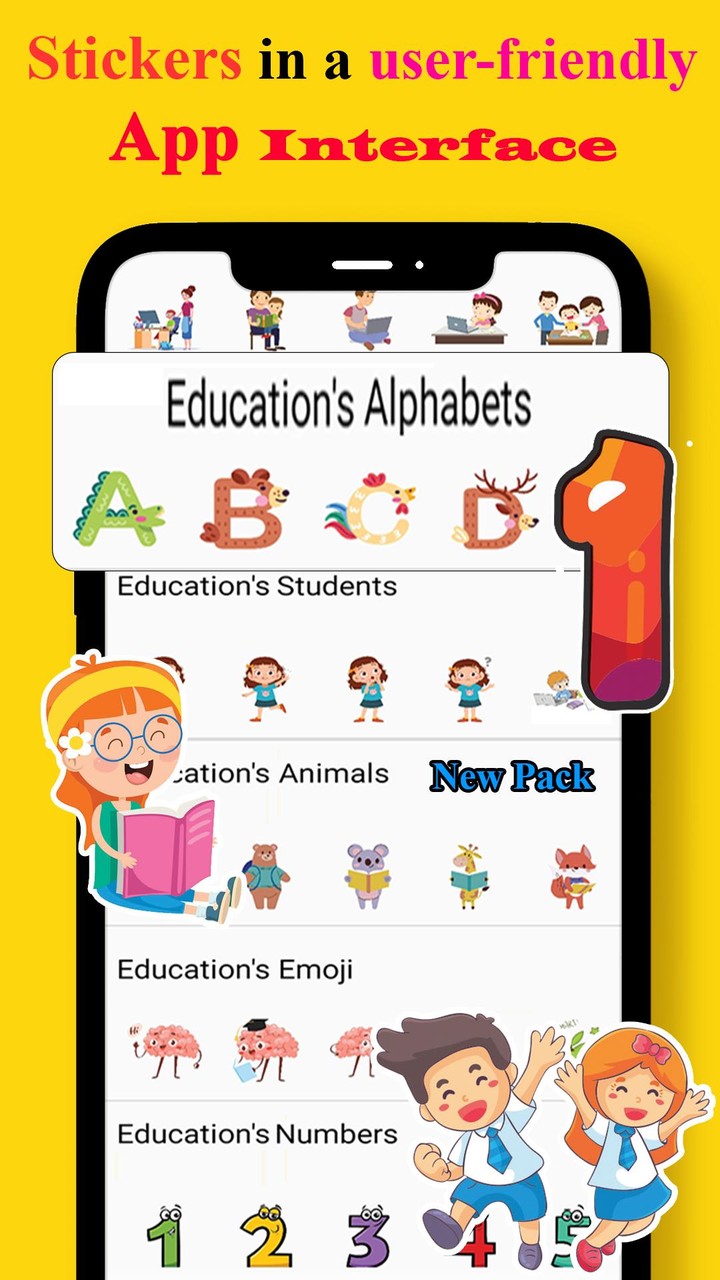
☆ Stickers in a user-friendly app interface


☆ We don’t distribute offensive content


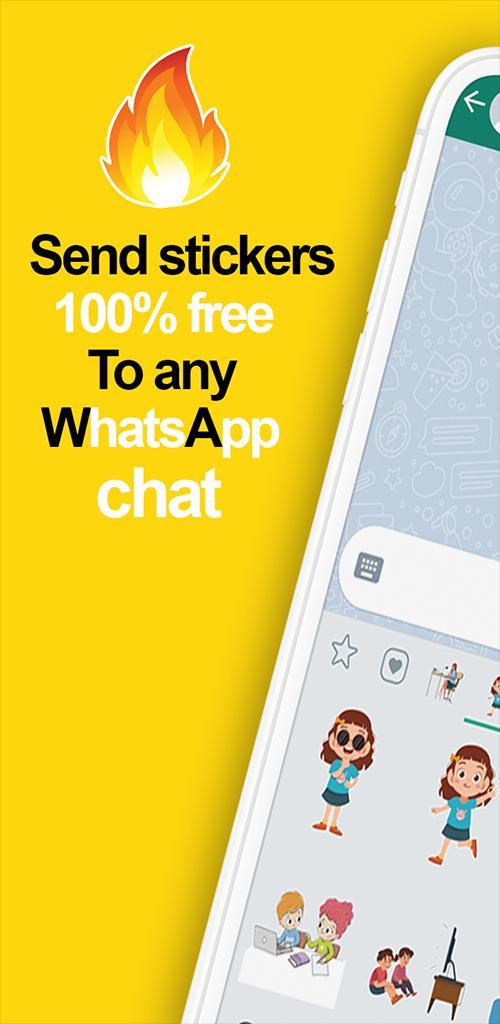
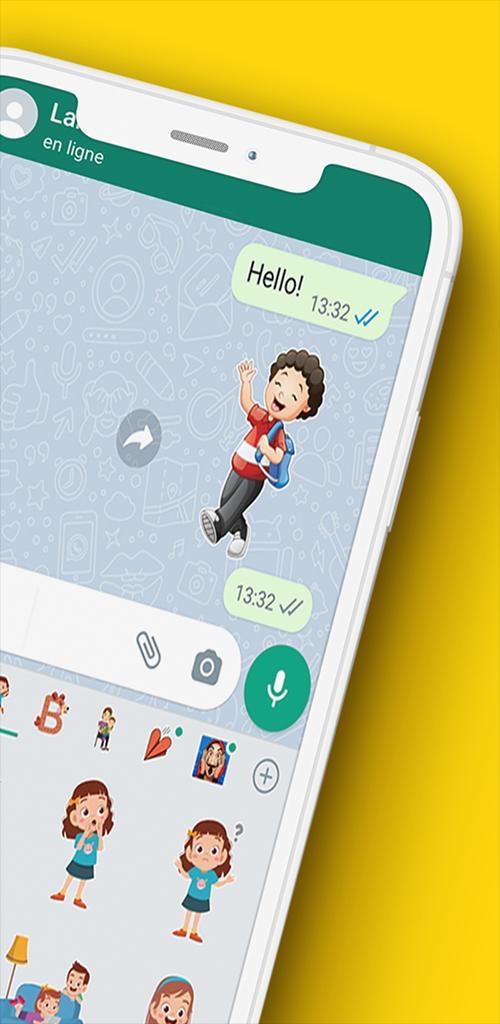
☆ send stickers 100% free to any WhatsApp chat. After downloading this Wasticker app, you can share it with your classroom friends & teachers.


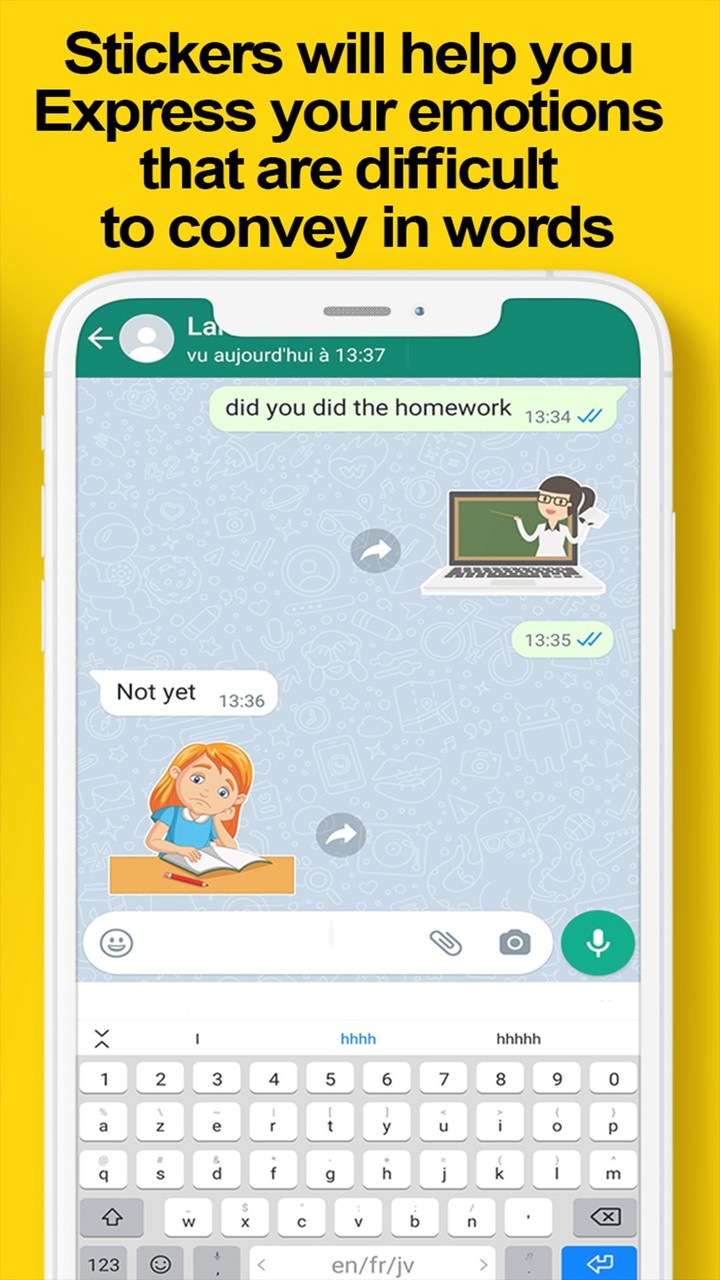
☆ Stickers will help you express your emotions that are difficult to convey in words. In addition, we will be adding new stickers every update. You have the opportunity to take advantage of its benefits right now.


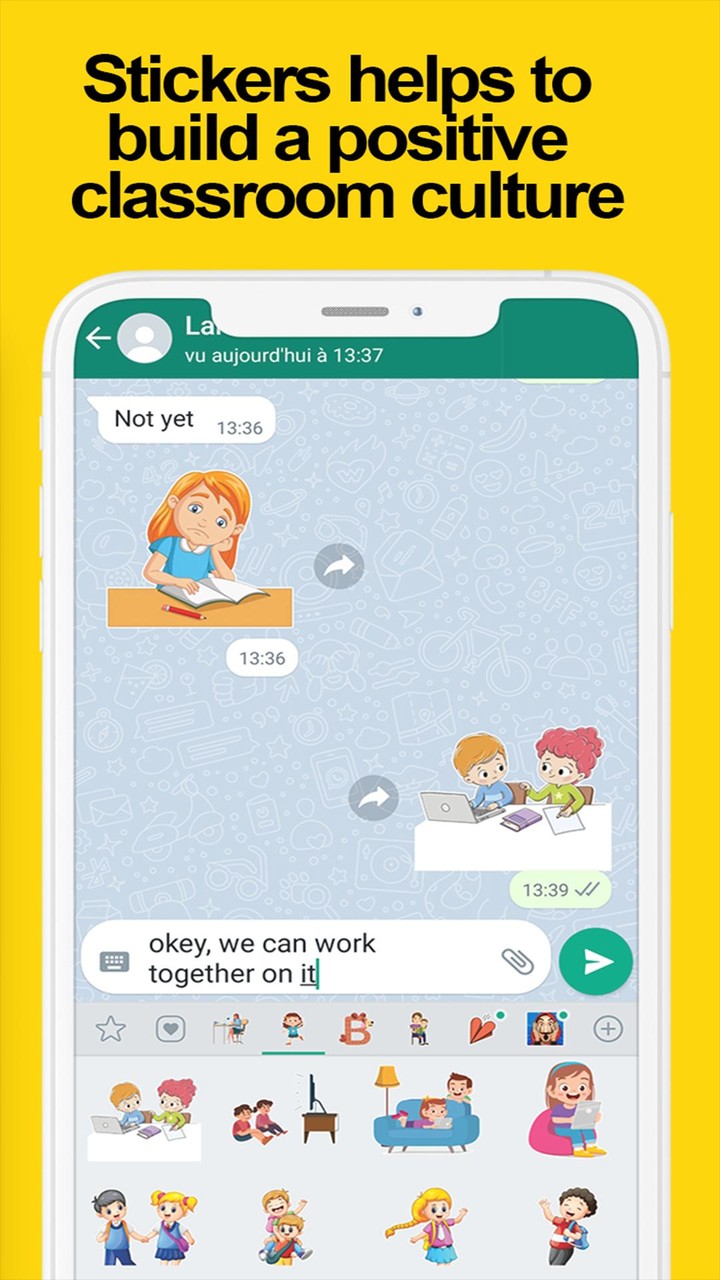
☆ Chatting with stickers helps to build a positive classroom culture by encouraging students by teachers and communicating with parents.


☆ You can select from the numbers and the alphabet's images available in this application to composite your message and make it adorable, and use also the other stickers to make the message very attractive.


Also, we might send everyday quotes for you about school and education, to feel amazing and improve your knowledge from the most successful people and intelligent people of all lifetime.


Dear user feels free to send those school education stickers for whatsapp to your classroom friends at school and your teachers, then tell us how much you love this app.

Stay tuned new applications are coming soon, like: wasticker funny memes stickers, wasticker love of lovers, wasticker wastickerapps, wastickerapp humor stickers, wasticker animated cartoons… and more.


 Disclaimer :


This app is not sponsored by, affiliated, associated, authorized, or endorsed by WhatsApp Inc.


please contact us in our email if you have any Complaints or request for clarification.
🔥 Added new sticker packs for WhatsApp 🔥
High quality stickers
Attractive Education and School stickers
Easy to use app
One tap to add stickers packs
Compatible with the different version of any android phone
⚙️ Fixed critical bugs and improved stability.











Google Duo is a free video calling tool app launched by Google. Google Duo is an Allo video assisting technology. It can make smooth calls even if the network speed is not fast. The Google Duo app is easy to operate, safe and reliable, and full of fun.
Description of Google Duo APK
Google Duo APK supports multi-segment undifferentiated video communication, and supports up to 32 people to communicate at the same time, which is very suitable for communication between family members. The software optimizes the network very well, and can automatically select the definition according to the user's network environment to ensure that the call can go on smoothly. The software is completely free to use, and everyone can communicate efficiently as long as there is a network. At the same time, you can also add interesting filter and sticker effects to your picture during video calls, making the atmosphere more active during video communication.
Google Duo APK Reviews
I have to mention that the design of Google Duo is really too simple. The account number is your mobile phone number. You can call the other party directly by clicking on the address book. If you don’t need a ladder all the way, it will replace Facetime. In addition, before you answer the call, you can see the other party's anxious, expectant or funny appearance (don't worry, the other party can't see you). Think about it, if you see the angry faces of your boss and colleagues in the conference room in the incoming call information, you can also be mentally prepared to connect to the video message, or pretend not to see it tactfully and gracefully.
Google Duo has merged into Google Meet
Google has added the Google Meet function to Google Duo to provide online multi-person meetings, virtual backgrounds, chat rooms, real-time subtitles and screen sharing. And it can connect to Google services such as Gmail and Google Assistant. The original Google Duo was renamed Google Meet.
Google has merged the functions of Google Duo and Google Meet, so that Google Duo can have more practical functions of Google Meet, and will further adjust the name to Google Meet later.
Google Duo and Google Meet are originally different services. The former was originally used to allow users to communicate online through mobile phones, while the latter evolved from the early Hangouts service and became a service for corporate online meetings. However, due to the epidemic Change the way of life, so that Google will open this service to general users for free in the future.
Users originally registered on Duo, to use Google Meet, go to Duo.google.com (this URL will be automatically updated in a future version) If you are a new user, you can register your phone number in two ways , on a computer, go to Duo.google.com,
If it's on your mobile device, you can download and sign up for the new Google Meet directly.









 Download (15.7MB)