
Want to share a funny video that you find on your contact’s WhatsApp Status, but your friend won’t send you the file?🤦
Status Saver For WhatsApp is a free and easy to use App👍
You can save your friend’s statuses directly to your phone in seconds. Be it an image, GIF, or video, the Status Saver For WhatsApp will save it to your phone in ONE tap.
You can also share the media with your friends directly, repost it to your WhatsApp Status, or post it on other social media directly from the app.📤
Features
🆓100% FREE TO USE - No hidden payments
⏩NO LOGIN NEEDED -  Just install and save FAST
🔔NEW STATUS NOTIFICATIONS - Get notified when a new status is uploaded
🔒NON INTRUSIVE PERMISSIONS - We respect your privacy
🤩VIDEOS SAVE IN MAXIMUM QUALITY - No reduction in quality
🛑MINIMAL ADS - No needless spamming of ads
🎆21 THEMES - Customize the app to look PERFECT for your phone
💾ONE TAP SAVE - You only need to tap the download icon
📤ONE TAP SHARE -  Share and repost saved statuses in ONE tap
✔️SLICK UI - No frills
📩SMALL SIZE - Only 8.3MB!
How To Use
The app is super easy to use. You can download WhatsApp status in three steps:
1️⃣Install Status Saver For WhatsApp
2️⃣Give Storage permission
3️⃣Download Status
🙌Done!

Detailed Guide
After you install the app, you need to give it storage permissions, and that’s it, it’s ready to use.
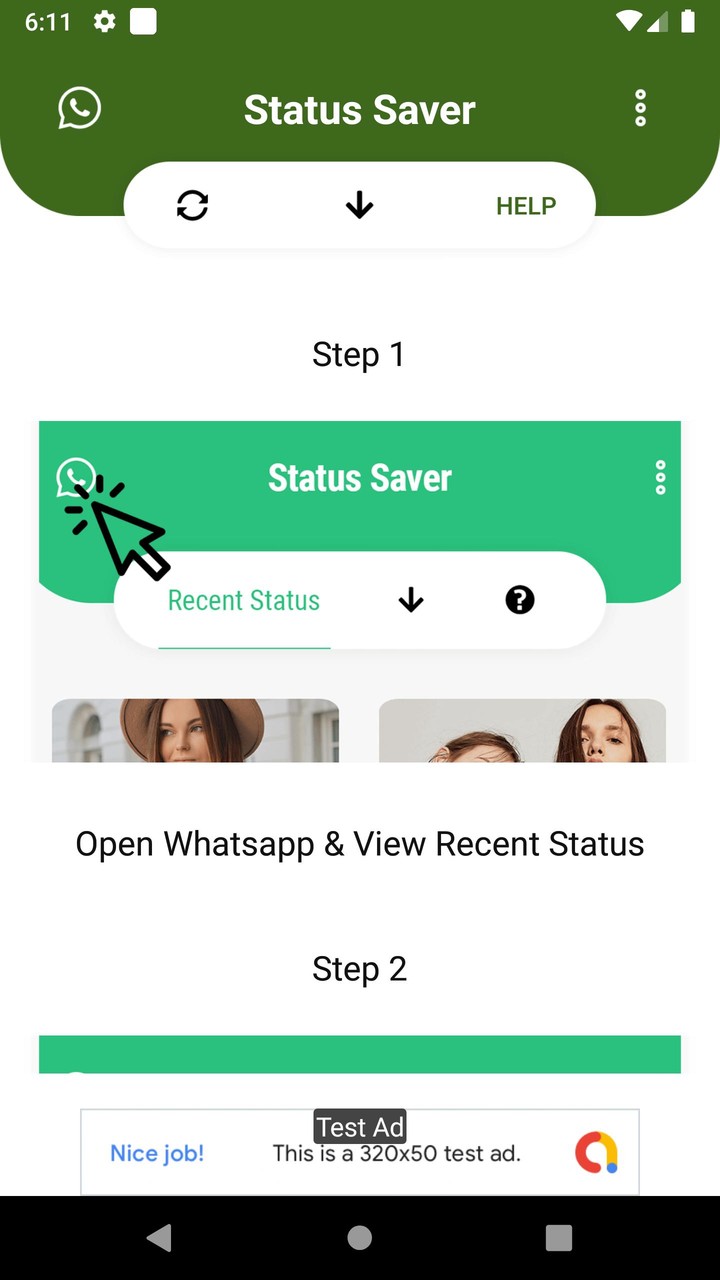
For the images and videos to become available for saving on your phone, you will need to open WhatsApp and view the status you want to save.
After you view a status, it will appear on the app automatically.
To save it to your phone, all you need to do is tap on the little “Download” icon that appears on the images and videos.
The saved files will remain accessible from the “Downloaded” section even after they disappear from your contact’s WhatsApp Status.
You can share an image or video by tapping on it in the Downloaded section, set it as your phone’s background, or delete it.
You can also share any file to your WhatsApp status directly from the application, which is super convenient.
The application also appears on your status bar, and it continually scans your WhatsApp for new statuses.
If any of your contacts uploads a new status, you will be notified about it.
No spammy catalogue of videos is included - we aim to keep our application clutter-free and straightforward.
User Interface
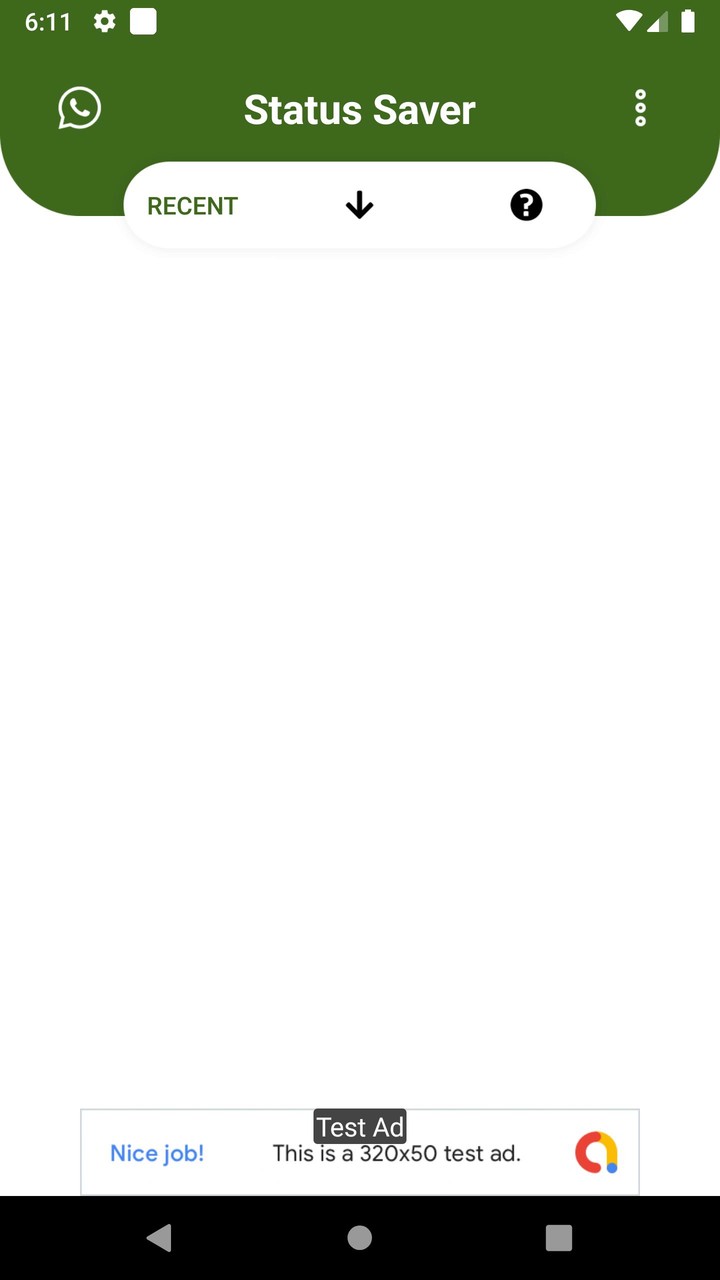
The application’s user interface is uncluttered and neat.
Opening it up, you will see four tabs: Images, Videos, Downloaded, and Help.
You can tap on the tab you want to navigate to, or alternatively swipe left or right to navigate between the sections.
The Help tab is very straightforward and shows you the same tutorial when you first install it.
So, if you accidentally tap away from the tutorial and don’t know how to use the app, this section will be super helpful.
On the top right, you will see the WhatsApp icon. Tapping on this icon will open the WhatsApp application, which shortens the time required to find and download a status.
You will find the Settings of the app under the hamburger menu on the left, alongside the options to share and rate the app.
The Settings section allows you to choose from a total of 21 themes, including a black theme!
Picking from the several different themes is as easy as tapping on the color you want. The theme will change instantly!
The other option in the Settings menu of the app is the “storage location” option. It allows you to choose where you want the status you download to save.
You can create a separate folder on your phone just for your WhatsApp status videos. No need to dig around Android system files to find your videos!

Notes
If you like this app, please leave a 5-Star rating! 🌟🌟🌟🌟🌟
For queries, support, and feedback, you can reach us at [email protected].
Status Saver For WhatsApp is in no way affiliated with WhatsApp. It is only a media download tool.
We are not responsible for any copyright infringement or misuse of media.
Bug Fixes


















 Download XAPK
![Google Play Store43.6.34-23 [0] [PR] 696659122_Popularmodapk.com](https://qn-resource.popularmodapk.com/prd/image/da7c4520-0779-d35f-2f15-ab1aefcab11f.png-160)