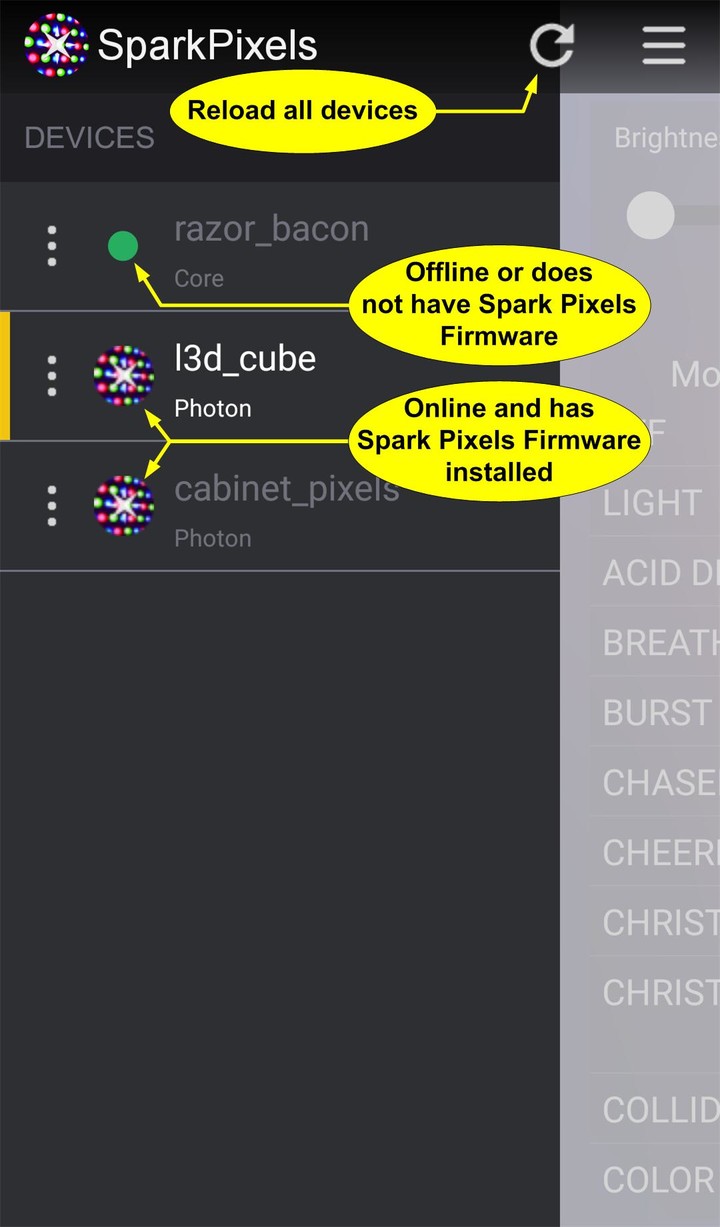
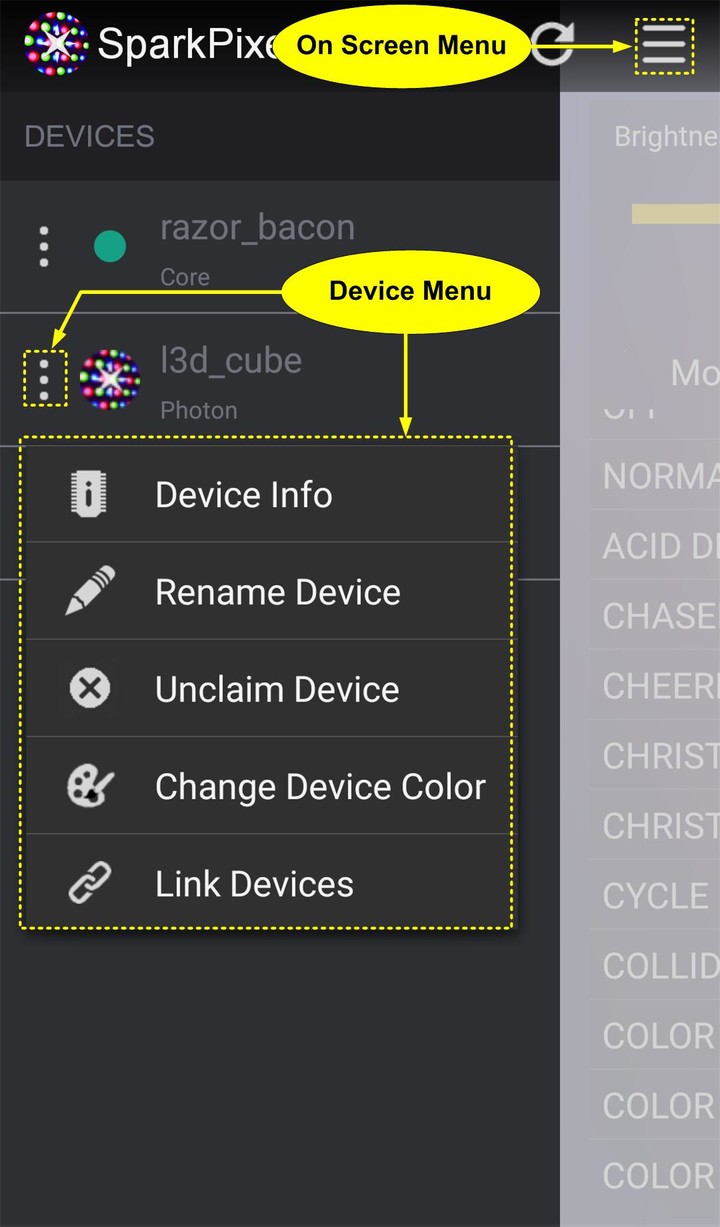
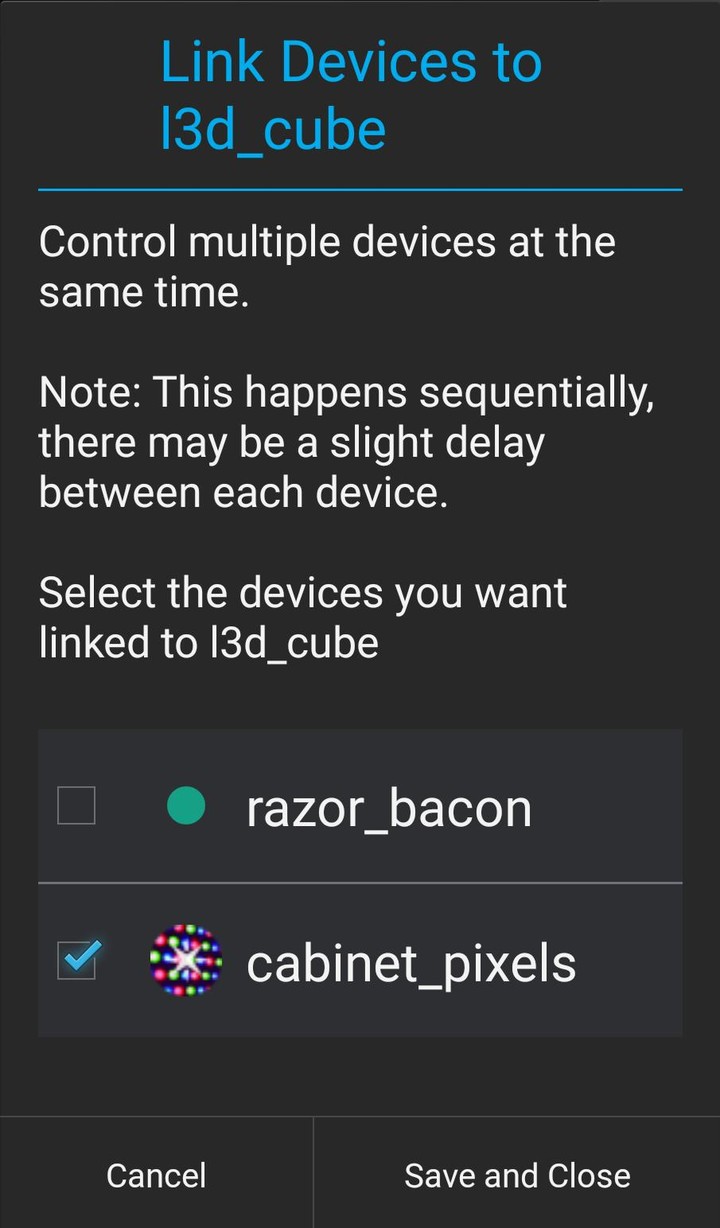
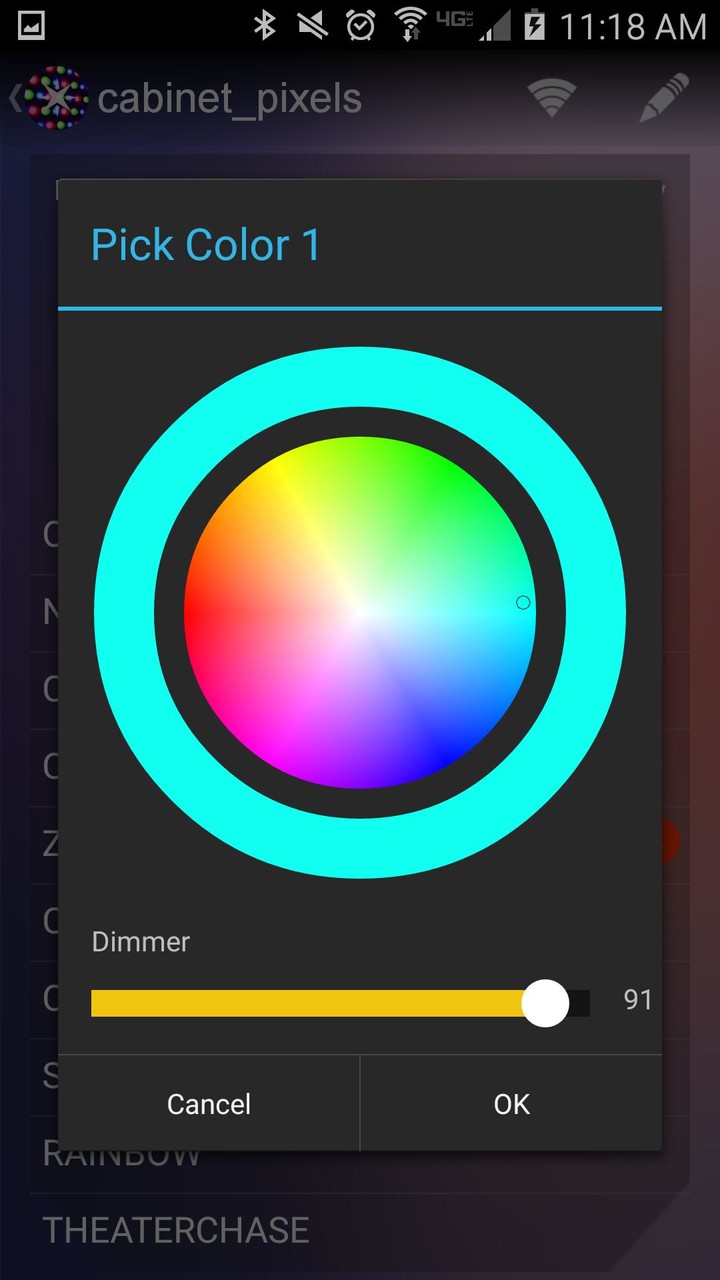
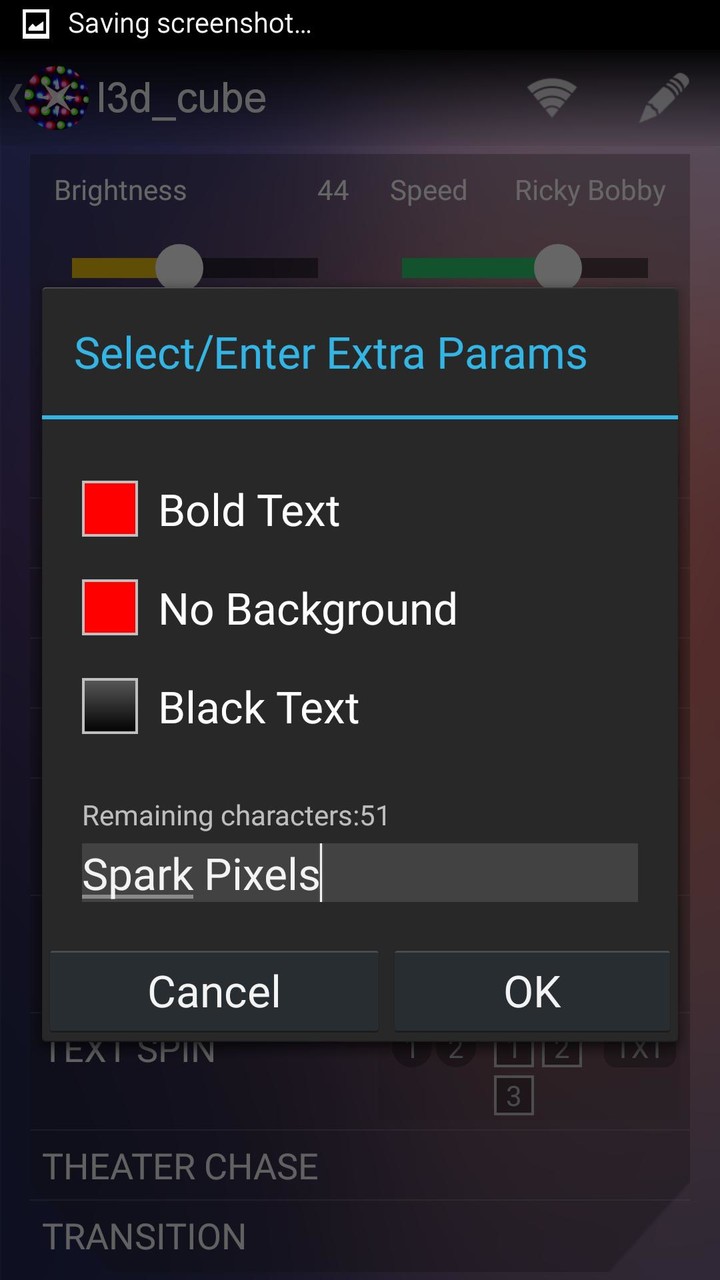
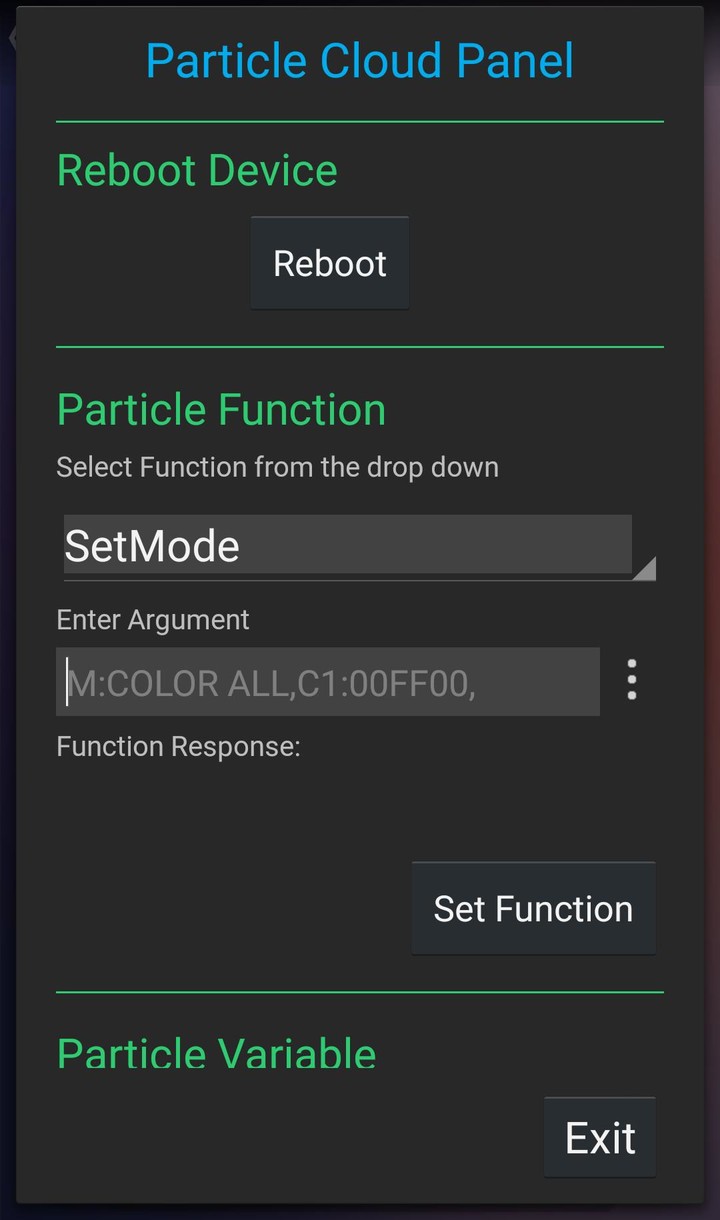
This app allows you to control a WS2812B Neopixel LED strip from your Android device over your WiFi network. You need to have a Spark Core or Particle Photon device properly connected to a Neopixel strip and the SparkPixels firmware loaded on the device. Get the firmware and see schematic and additional documentation at https://github.com/sparcules/Spark_Pixels.

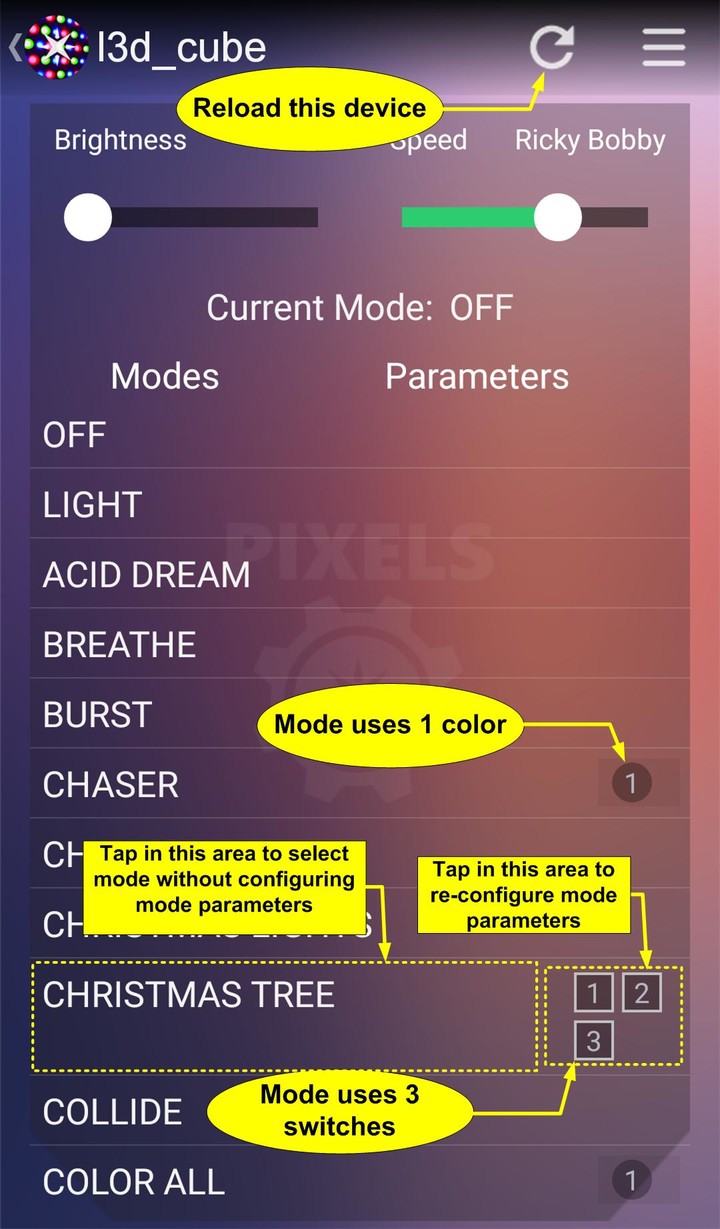
Spark Pixels is a mode selector remote for your Neopixels. Select a mode, adjust brightness, adjust speed.
Spark Pixels is NOT a mode/LED sequencer creator. All modes are coded in the Particle sketch.

Why Spark Pixels?
Spark Pixels is expandable. Make your own modes - add your mode code to the sketch on Particle’s web IDE. See the github repo for instructions on how to add a new mode. Hit the reload icon in the app and watch your new mode magically appear in the mode list.

The Particle Photon is a nifty little WiFi connected micro controller. It's easy to use and it's connected to Particle’s free cloud!  If you’re familiar to Arduino, you’d feel right at home with the Photon. See additional info at: https://www.particle.io/

New Features:
- Auto detect your devices that are online and loaded with the Spark Pixels firmware.
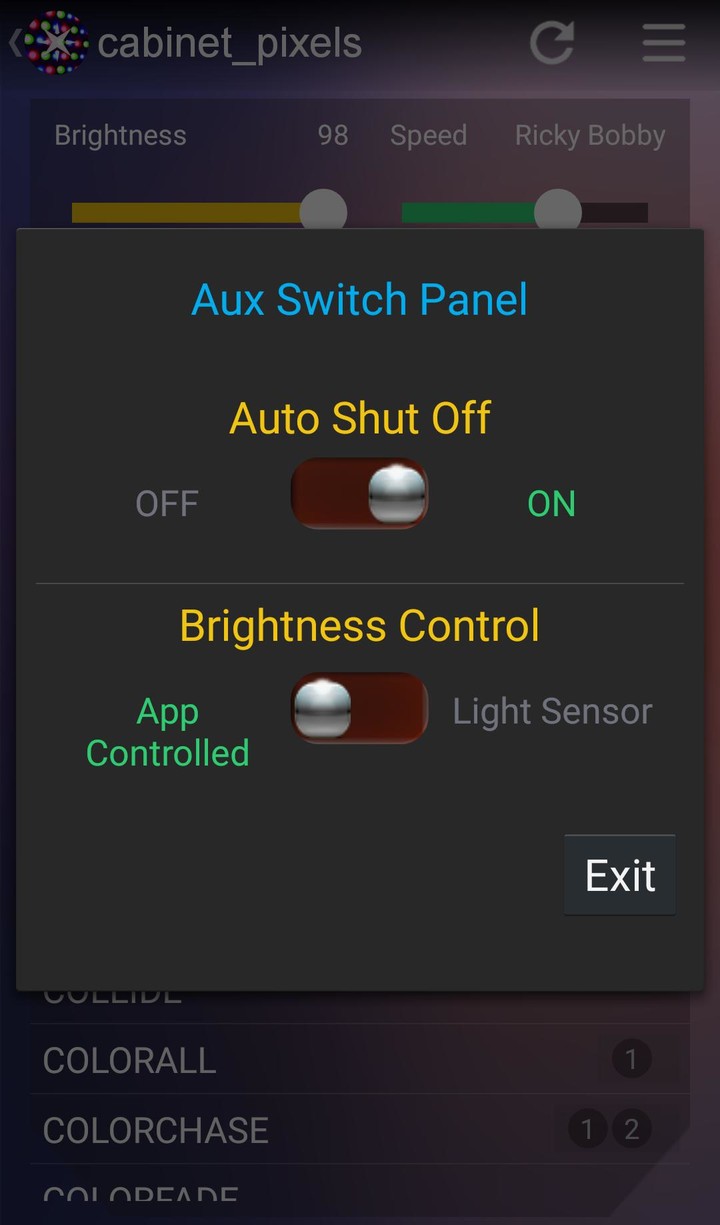
- Expandable Aux Switch Panel - add your own switches (boolean flags) to turn things on or off or toggle between two options.  i.e. switch between using a light sensor or the app to set LED brightness. Your sketch must be updated with the latest firmware to enable this option.
- Auto Sync the Time Zone Offset on app start. No more manual re-setting for Daylight Savings Time. (As long as your Android device auto updates itself).

Old (but still fly) Features:
- Get Cloud Variable option in the menu for debugging or other configurable cloud variables. The dialog will populate a drop down box with all of your published cloud variables.


Instructions:
> Connect your Spark Core or Photon device to your home WiFi network.
- Spark Core users: Use this app to connect your Core
- Photon users: Use the Particle app found here: https://play.google.com/store/apps/details?id=io.particle.android.app
> Get the SparkPixels.ino firmware from github
- For simple Neopixel strips get it here: https://github.com/sparcules/Spark_Pixels
- For the L3D Cube get it here: https://github.com/wmoecke/Spark_Pixels
> Copy and paste the code to a new app in Particle’s wed IDE: https://build.particle.io/build
> Flash the Particle device.
- For more info on navigating Particle’s web IDE, visit: https://docs.particle.io/guide/getting-started/build/photon/
- For more info on how to setup Spark Pixels or to add your own mode, visit the github repo
> Configure the Android app with the Spark Core (or Photon) Neopixel Driver in its settings page.
> You're all set! You can now enjoy controlling your Neopixels from your Android device.

*Notice*
The full list view of the modes will not populate unless the firmware has been loaded on the Particle device and the device is online.

Community:
Visit the Facebook page to:
- Post Pictures and/or Videos of your setup
- Share new modes that you've created
- Post any troubleshooting help you may need
- Suggestions or improvements to the app or firmware
Link: https://www.facebook.com/Spark-Pixels-1716703048549907/timeline/

 Acknowledgements:
This app was based off of the (open source) SparkCore app.
Added Schedule feature to automatically turn On and Off your pixels.
Don't forget to get the latest code from github.



















 Download (3.0MB)
![Google Play Store43.6.34-23 [0] [PR] 696659122_Popularmodapk.com](https://qn-resource.popularmodapk.com/prd/image/da7c4520-0779-d35f-2f15-ab1aefcab11f.png-160)