

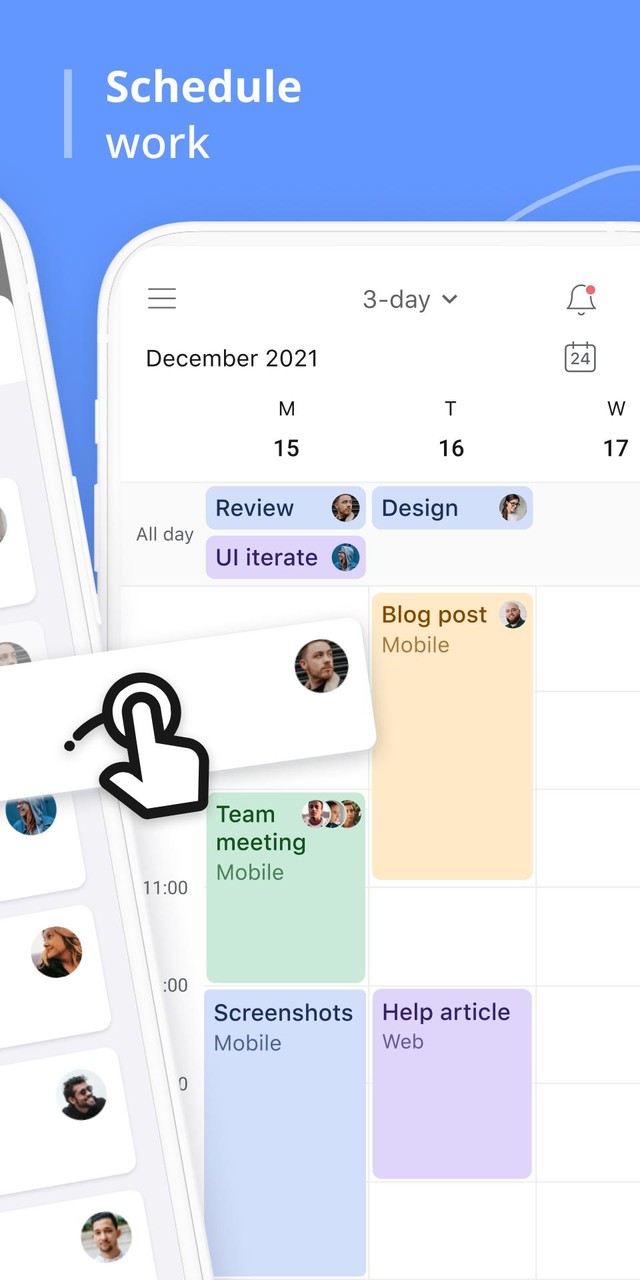
Planyway is your best schedule planner for Trello! Whether you’re looking for a personal productivity app or a team planner — it’s the perfect match for both😎

⚡️Simply log in with Trello and visualize your Trello boards in multiple ways!

TRY OUT MOST POWERFUL VIEWS:

⭐️Weekly Calendar
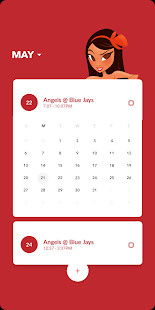
⭐️Monthly Calendar
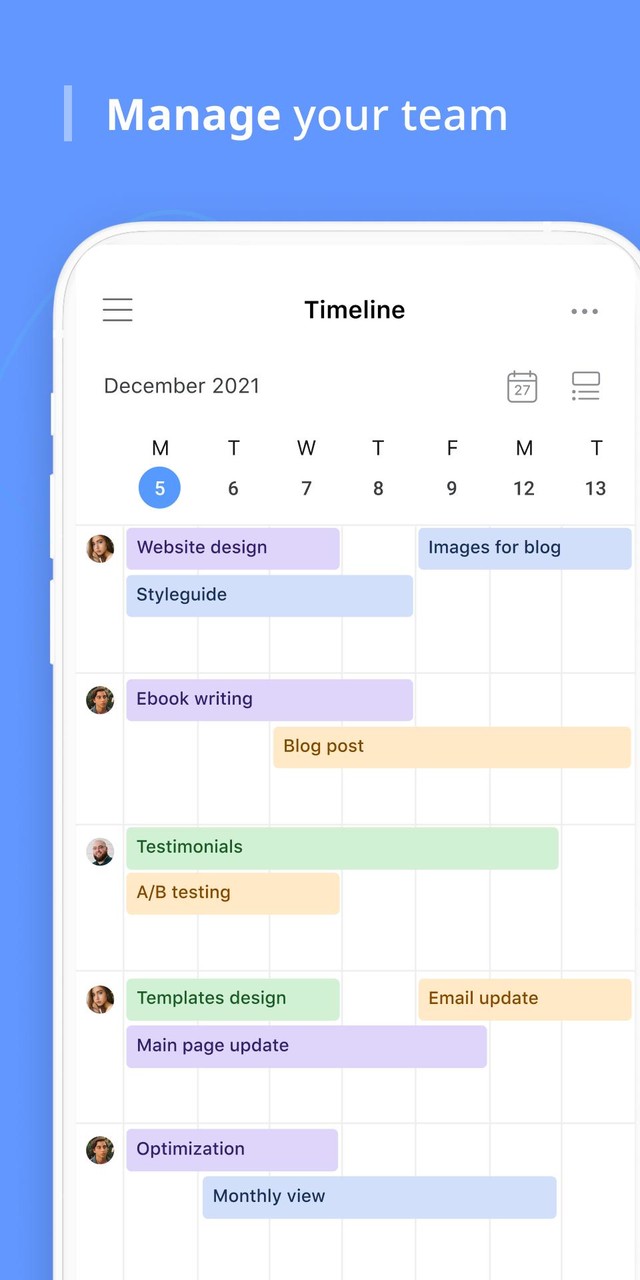
⭐️Team Timeline
⭐️Daily Organizer

WHY CHOOSE PLANYWAY:

✔️Productivity Guru

• Never miss deadlines
• Easily automate repetitive work
• Track tasks assigned to you across boards
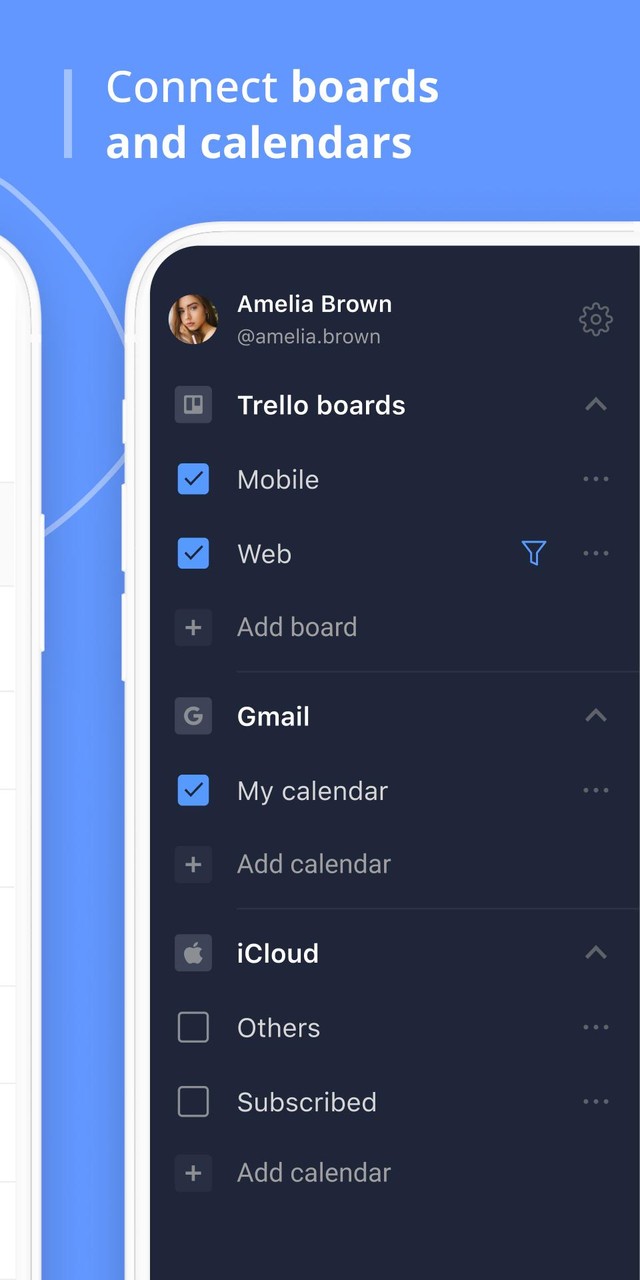
• Sync with other calendars to see your full schedule

✔️Teamwork Game Changer

• See who’s working on what at any moment
• Keep everyone in the loop with real-time updates
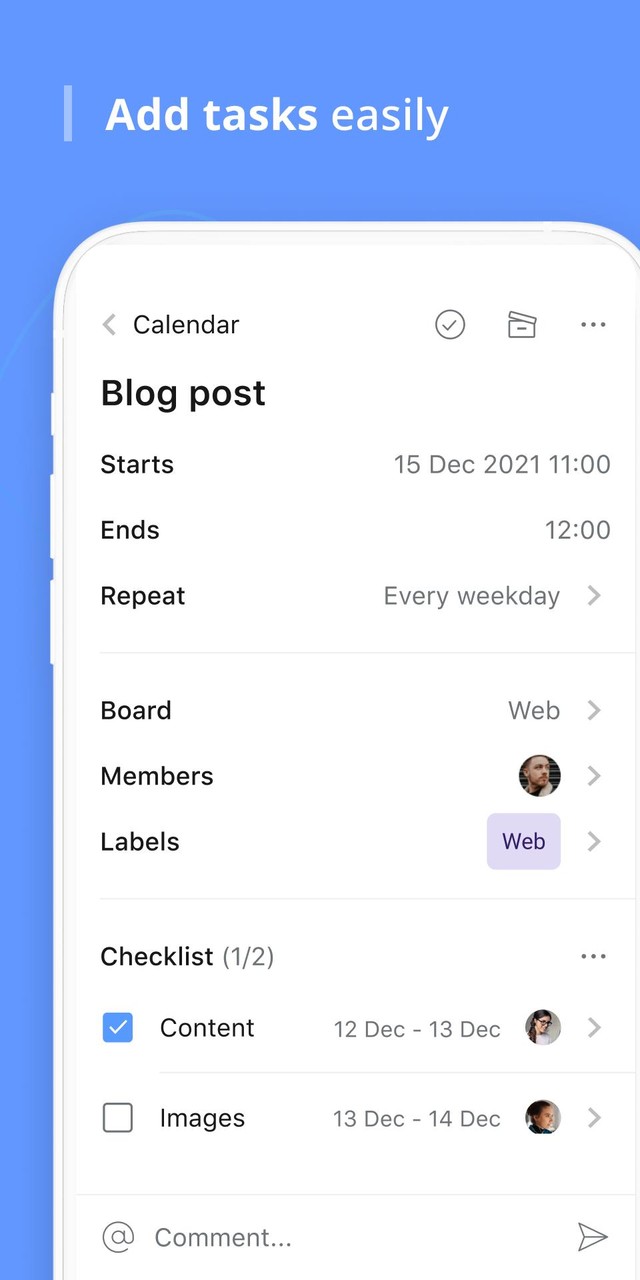
• Break up big tasks into subtasks and share responsibilities
• Map out project milestones and reach them together

✔️Manager’s Best Friend

• Understand how your teamwork fits into the big picture
• Know how work is progressing at a glance
• Allocate tasks to teammates with ease
• Connect multiple boards to work across teams and projects


BEST PLANYWAY USE CASES:

🔸Project Management
Get a chance to monitor all your Trello boards right on your mobile and keep track of how work is progressing from stage to stage.

🔸Resource Planning
Visualize your team members on a single timeline and clearly see what everyone is doing and when. It lets you check availability at a click and assign new tasks for all the team even away from the desk in one work schedule calendar.

🔸Personal Scheduler
View only tasks you’re responsible for in My tasks view. Connect other shared calendar and get full control over your schedule.

🔸Team Calendar
Improve team collaboration with a clear overview of upcoming deadlines to keep your team in the loop.

🔸Task Manager
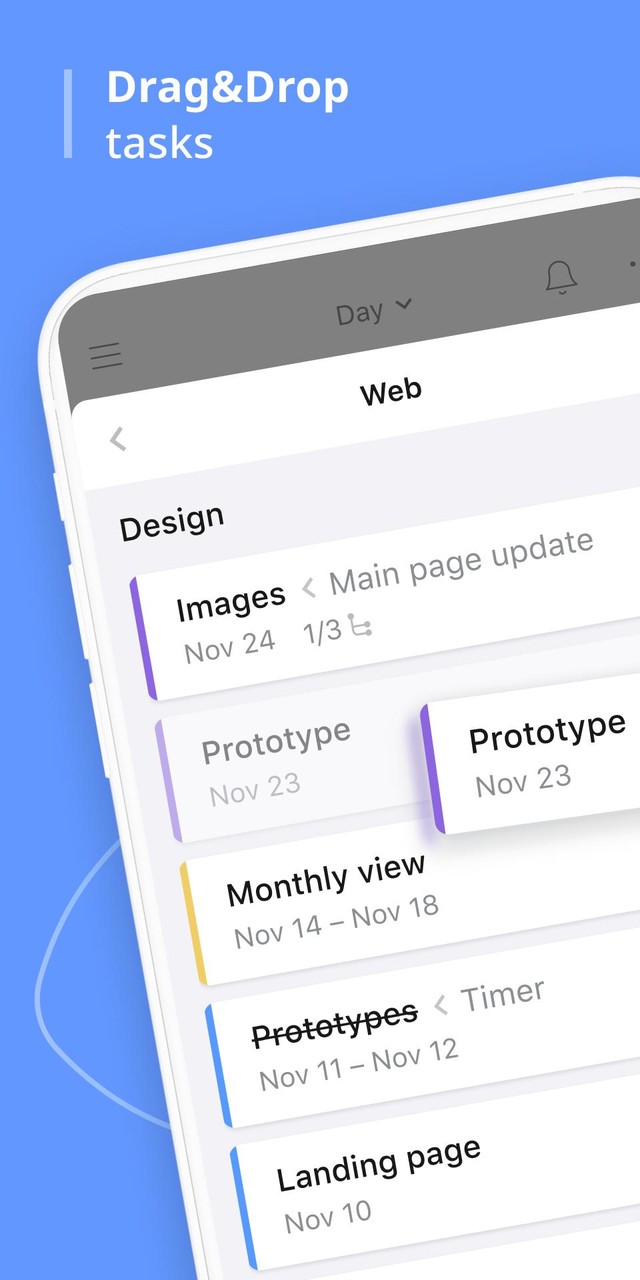
Create task lists as detailed as you need. Tie them to a project plan, set deadlines, and manage assignments all in one Trello app for Android.

SIGN IN WITH YOUR TRELLO ACCOUNT

✔Planyway is fully synchronized with your Trello boards
✔All updates in Planyway schedule app happen in Trello at the same time

Questions? We’re here to help!
Access customer support 24/7
Now all time entries are visible not only in the Track time tab but inside cards as well! You'll see the list of created time entries grouped by team members and total time spent per card. What's more, you can start and stop the timer right from the card!




















 Download XAPK