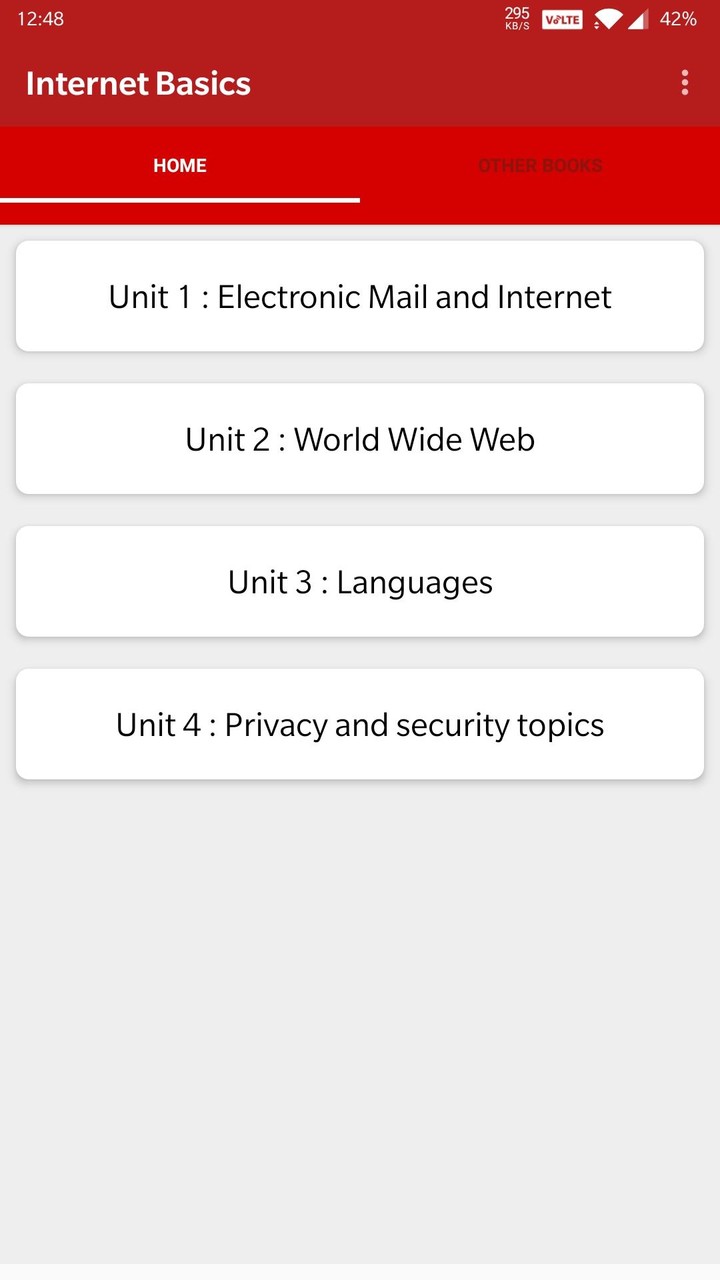
The app is a complete free handbook of Internet Basics which covers important all topics with detailed notes, diagrams, equations, formulas & course material.

The App is designed for quick learning, revisions, references at the time of exams and interviews.

Download the App as a reference material & digital book for Computer science engineering programs & other IT degree courses.

This app cover most of related topics and Detailed explanation with all the basics topics.

Some of topics Covered in this Internet Basics application are:

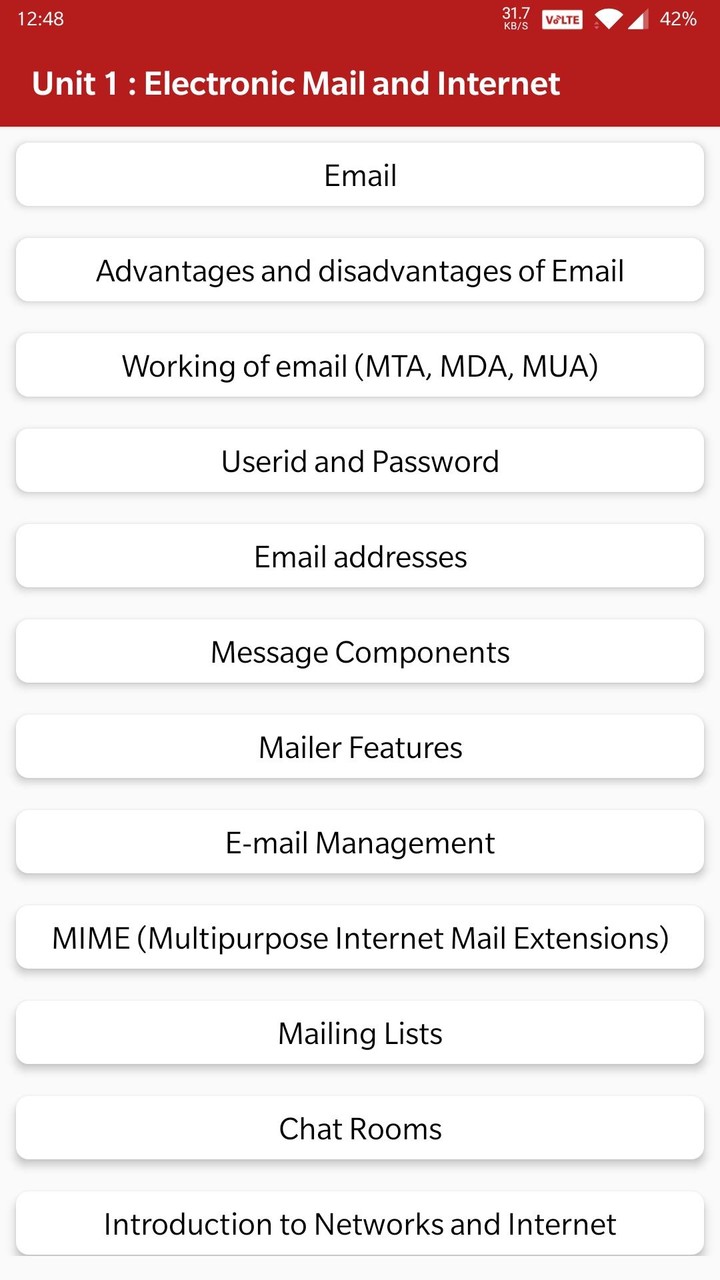
1. Email
2. Advantages and disadvantages of Email
3. Working of email (MTA, MDA, MUA)
4. Userid and Password
5. Email addresses
6. Message Components
7. Mailer Features
8. E-mail Management
9. MIME (Multipurpose Internet Mail Extensions)
10. Mailing Lists
11. Chat Rooms
12. Introduction to Networks and Internet
13. Internet
14. Working of the Internet ( how internet works)
15. Internet Congestion and Culture
16. Business Culture on Internet
17. Collaborative Computing and the Internet
18. Modes of Connecting to Internet
19. Internet Service Provider (ISP)
20. IP address (Internet Protocol address)
21. Domain Name System (DNS)
22. IPv6 (Internet Protocol Version 6)
23. Modems
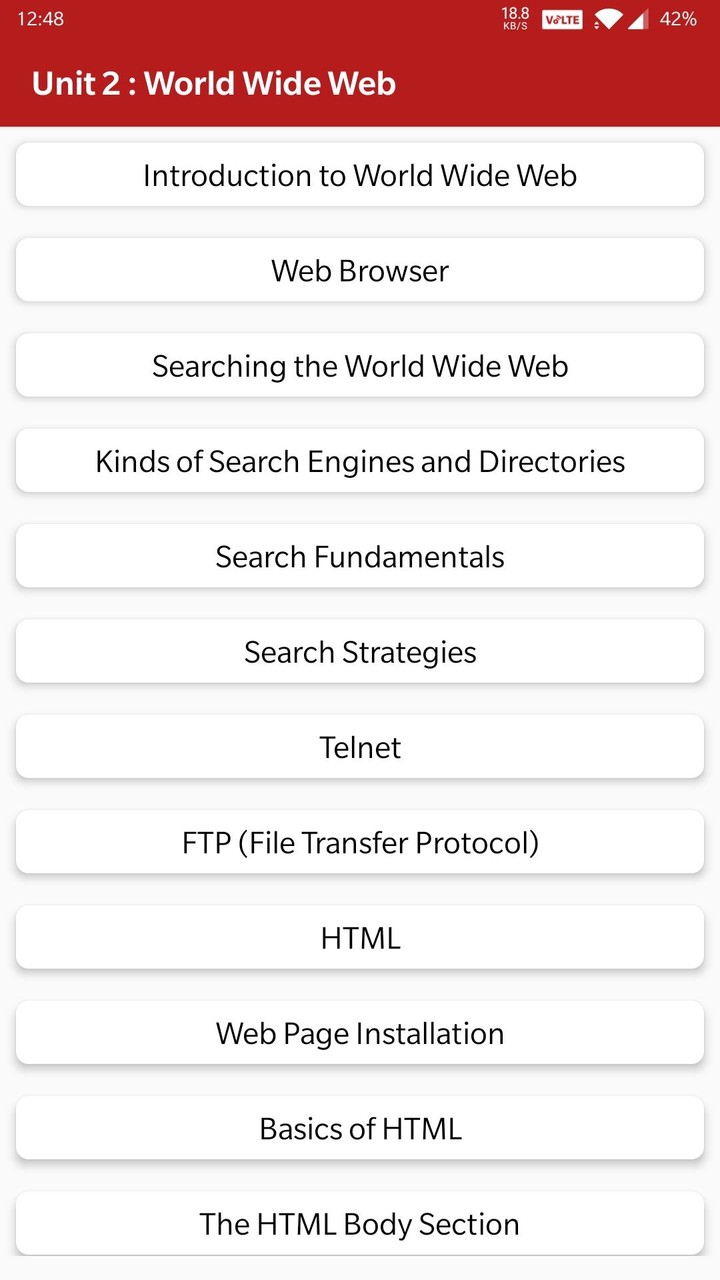
24. Introduction to World Wide Web ( www)
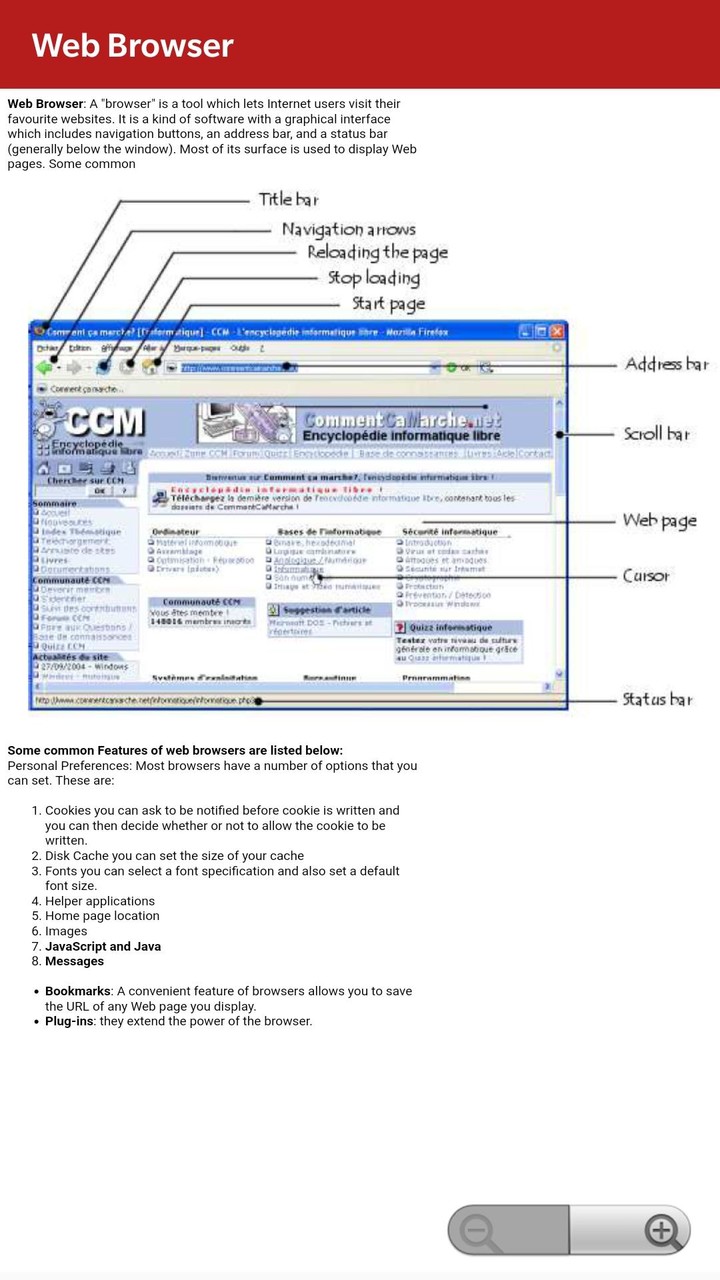
25. Web Browser (Chrome, mozilla etc.)
26. Searching the World Wide Web (www)
27. Kinds of Search Engines and Directories ( Google & more)
28. Web Search Fundamentals
29. Web Search Strategies
30. Telnet
31. FTP (File Transfer Protocol)
32. HTML
33. Web Page Installation
34. Basics of HTML programming
35. The HTML Body Section
36. Formatting
37. Hyperlinks
38. Linking to a Section of a Document
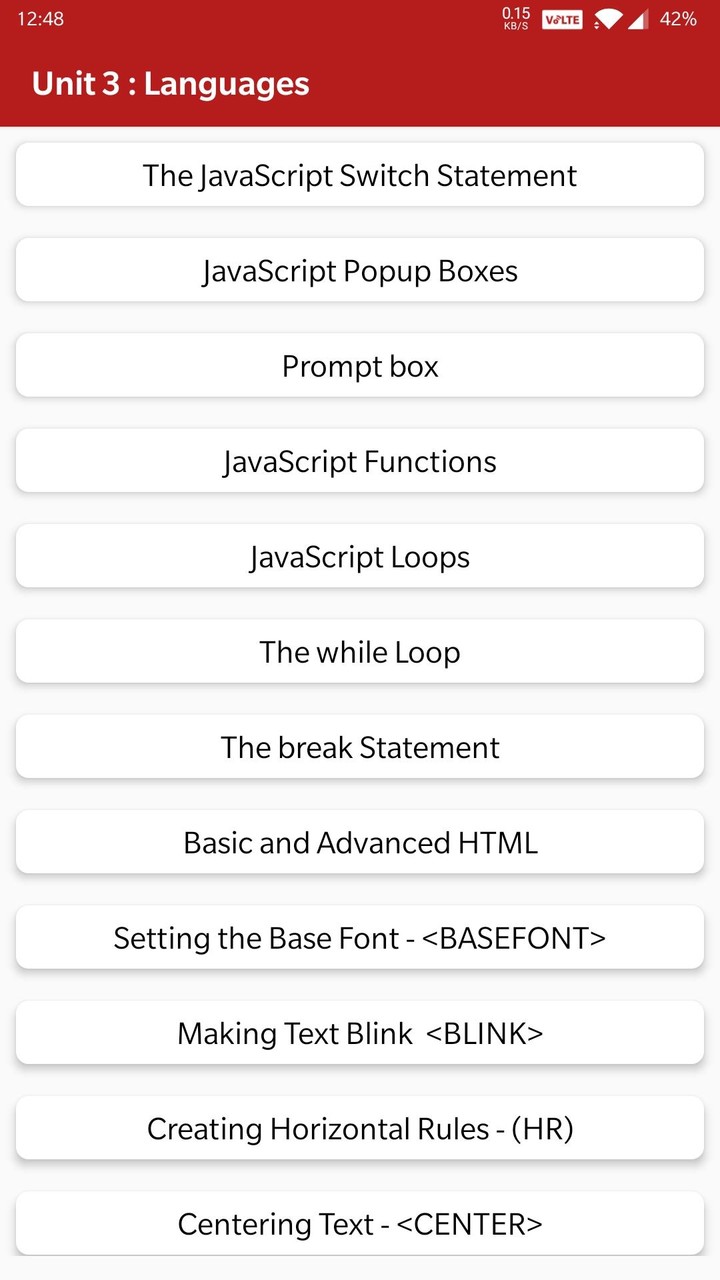
39. The JavaScript (JS) Switch Statement
40. JavaScript programming
41. Prompt box
42. JavaScript Functions
43. JavaScript Loops
44. The while Loop
45. The break Statement
46. Creating Navigational Aids with Hyperlinks
47. Using Front Page Express and Plug-ins
48. Lists
49. Attributes
50. Links
51. Special Features
52. Plug-ins
53. Basic and Advanced HTML
54. Setting the Base Font
55. Making Text Blink
56. Creating Horizontal Rules - (HR)
57. Centering Text
58. Displaying Text In A Scrolling Marquee
59. Images in Web Pages
60. Unordered Lists
61. Ordered Lists
62. Definition Lists
63. Creating Tables
64. Polishing tables
65. Working with Frames
66. Targeting information of frames
67. JavaScript (JS) programming Language
68. Insertion of JavaScript into an HTML document
69. JavaScript (JS) Operators
70. JavaScript (JS) Comparison and Logical Operators
71. JavaScript If...Else Statements
72. The continue Statement
73. Client-Side Programming in JavaScript
74. Text Boxes
75. Using Check Boxes
76. Using Text Areas
77. Using Selection Lists
78. Other events within a form

All topics are not listed because of character limitations.

Each topic is complete with diagrams, equations and other forms of graphical representations for better learning and quick understanding.

Features :
* Chapter wise complete Topics
* Rich UI Layout
* Comfortable Read Mode
* Important Exam Topics
* Very simple User Interface
* Cover Most Of Topics
* One click get related All Book
* Mobile Optimized Content
* Mobile Optimized Images

This app will useful for quick reference. The revision of all concepts can be finished within Several hour using this app.

Instead of giving us a lower rating, please mail us your queries, issues and give us valuable Rating And Suggestion So we can consider it for Future Updates. We will be happy to solve them for you.
Bug Fixes




















 Download XAPK