




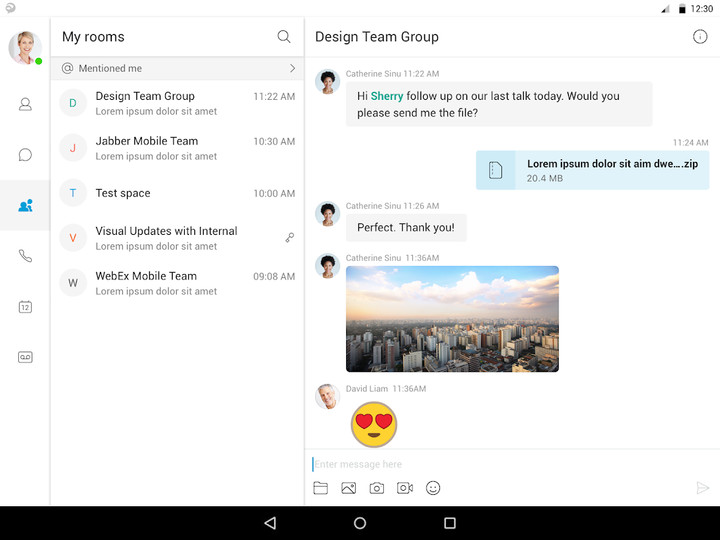
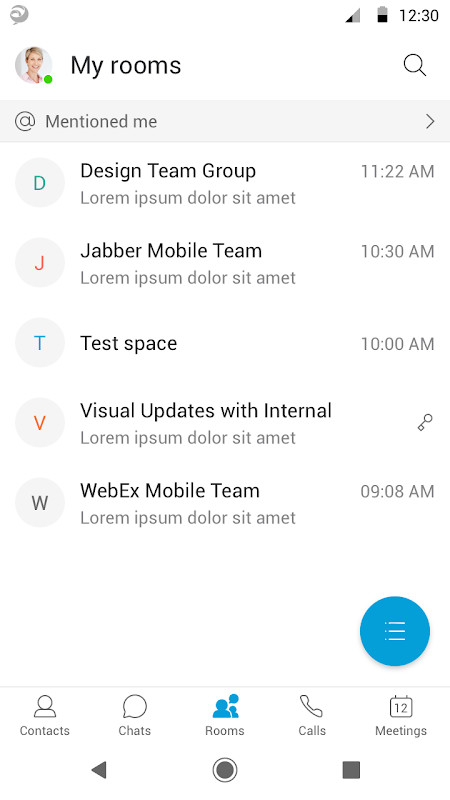
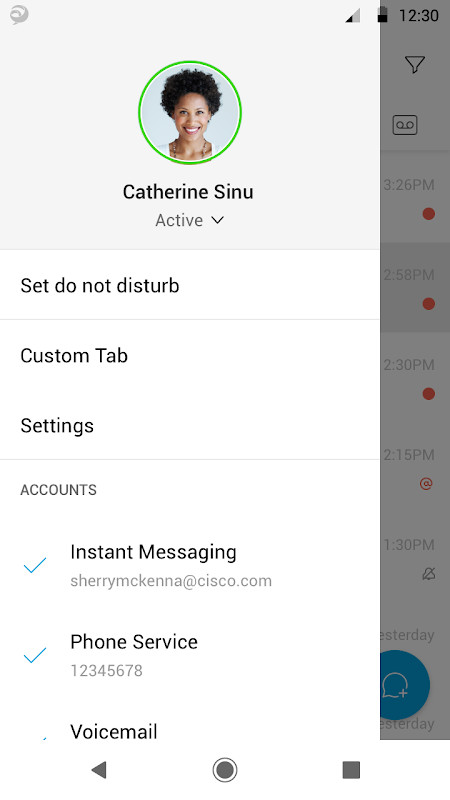
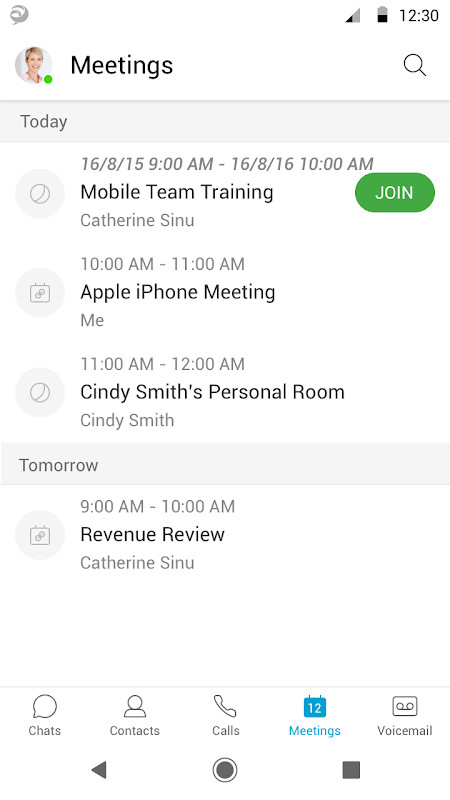

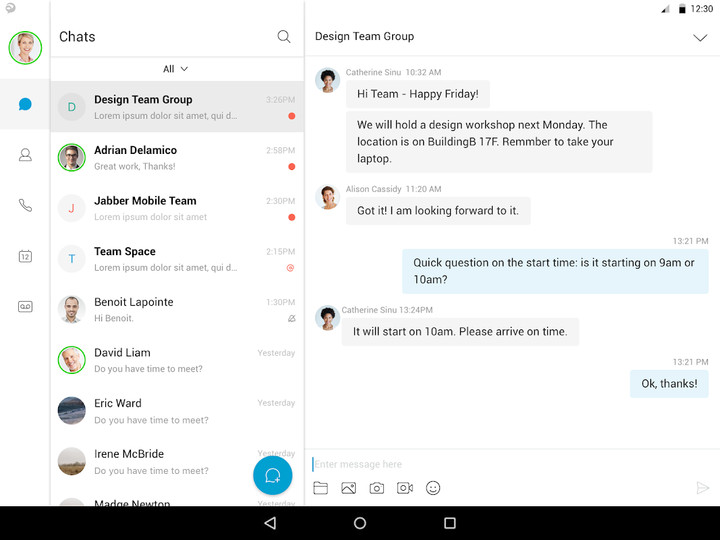
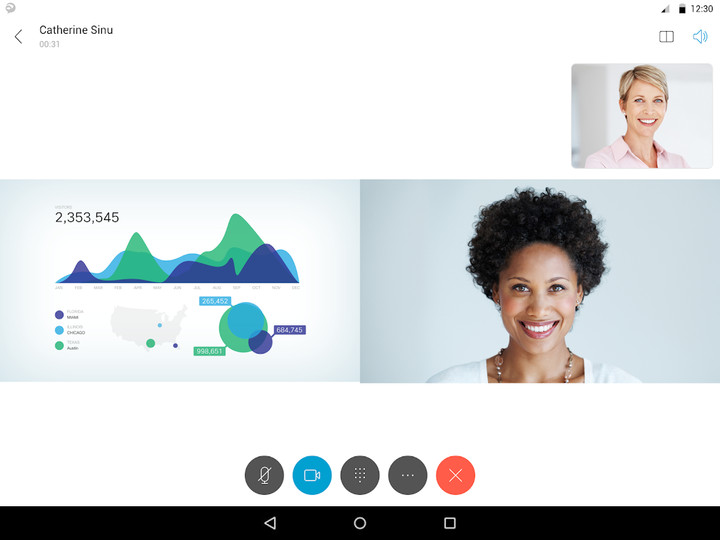
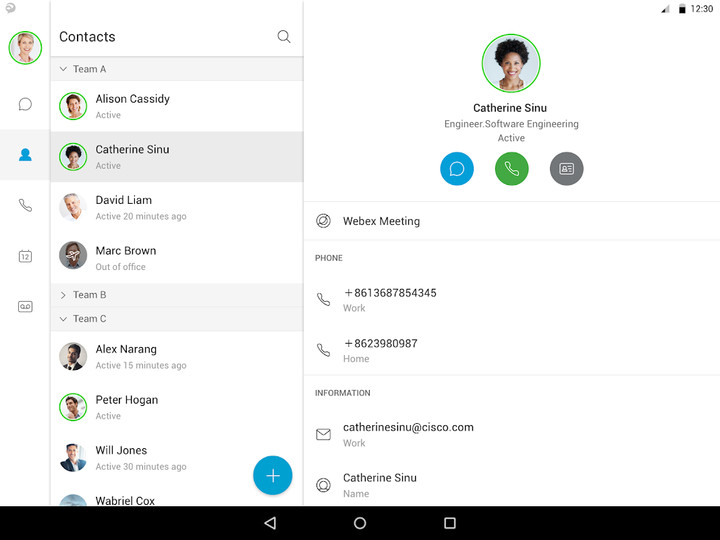
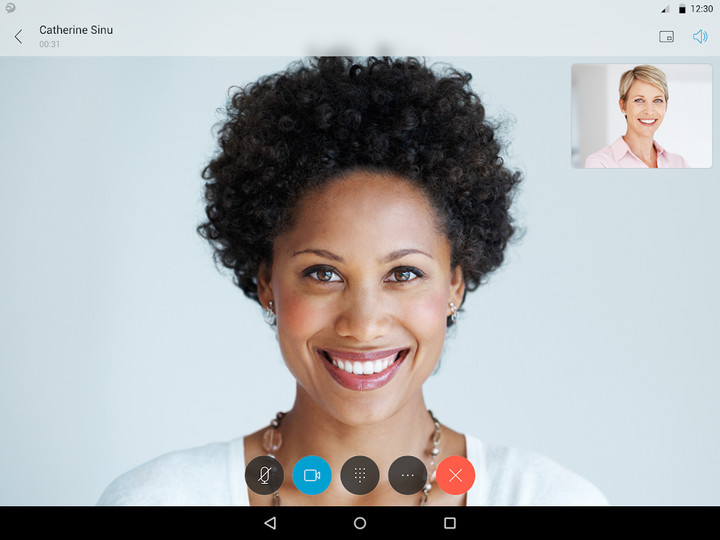
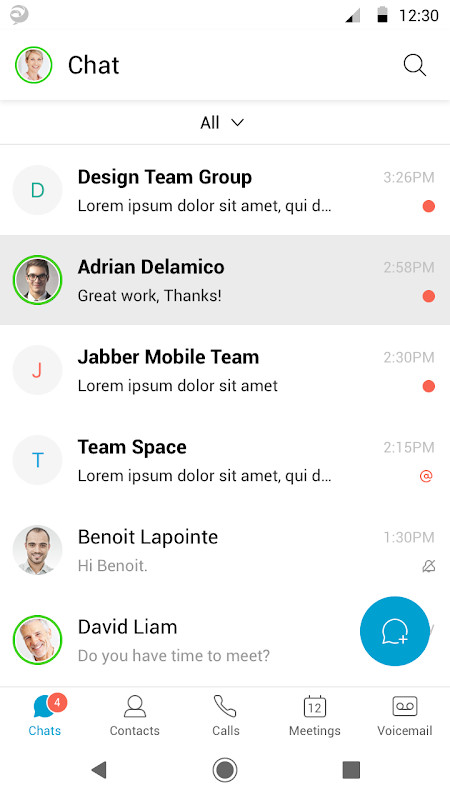
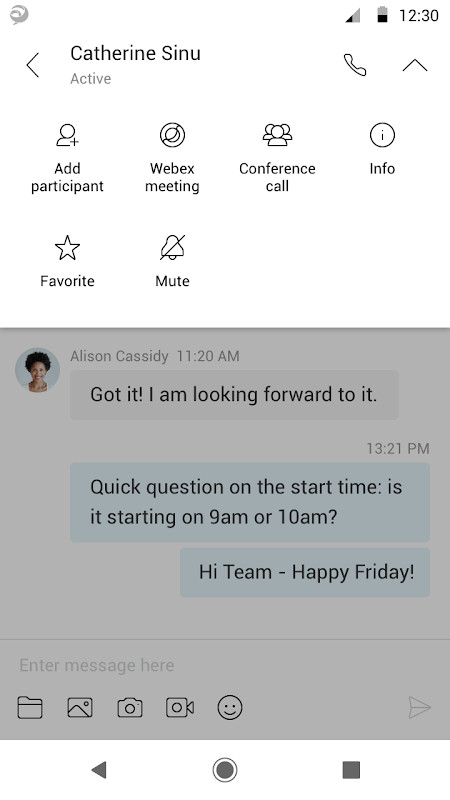

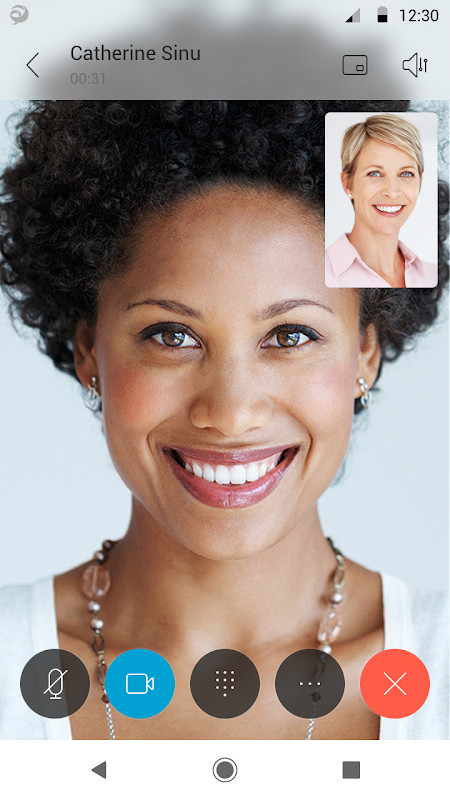
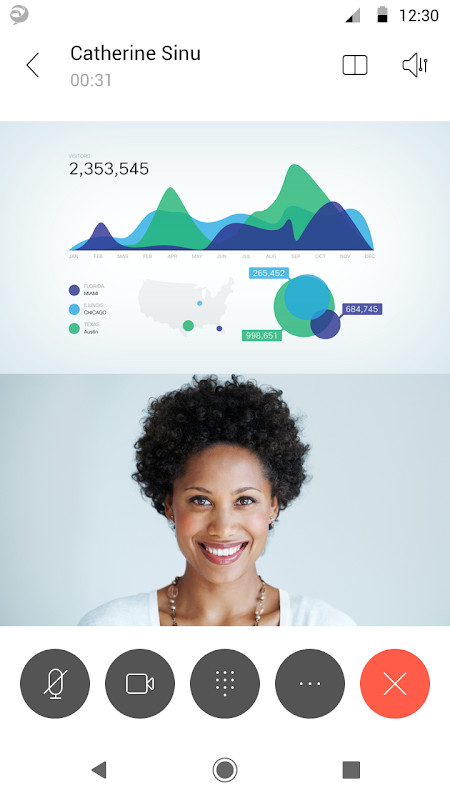
Cisco Jabber™ for Android is a collaboration application that provides presence, instant messaging (IM), cloud messaging, voice and video calling, voicemail capabilities on Android phone, tablet and Android Wear devices. Escalate your Jabber calls into multi-party conferencing with Cisco Webex® Meetings. This integrated collaboration experience works with both on premise and cloud-based collaboration architectures.


This application supports the following capabilities:

• High-quality voice and video with interoperability to Cisco TelePresence and other audio/video endpoints

• IM and presence in on-premises, Webex Messenger or team messaging deployment

• Visual voicemail

• One-tap escalation to Webex meetings (cross-launches the Cisco Webex® Meetings application)

• Meeting controls in Cisco Meeting Server(CMS) meetings and Webex CMR meetings


Device and Operating System Requirements:

Cisco Jabber for Android Release 14.0 is officially supported on the following Android devices:

• Blackberry: Priv

• Fujitsu: Arrows M357

• Google: Nexus 5/5x/6/6P/7/9, Pixel, Pixel C/XL/2/2 XL/3/3 XL/4/4 XL/4a 5G

• Honeywell Dolphin: CT40, CT50, CT60

• HTC: 10, A9, M8, M9, X9

• Huawei: Honor 7, Mate 8/9/10/10 Pro/20/20 Pro, Nova, P8, P9, P10, P10 Plus, P20, P20 Pro, P30, P30 Pro

• LG: G3, G4, G5, G6, V10, V30

• Motorola: Moto G4, G5, G6, Moto Z Droid

• Nokia: 6.1, 8.1

• OnePlus: One, 5, 5T, 6, 6T , 7T, 8, 8 Pro and 8T

• Samsung: devices that meet the minimal hardware requirement

• Seuic: Cruise 1

• Sonim: XP8

• Sony Xperia: XZ, XZ1, XZ2, XZ3, Z2, Z2 tablet, Z3, Z3 Tablet Compact, Z3+, Z4, Z4 TAB, Z5, Z5 Premium, 5 Mark II

• Xiaomi: Mi 4/4C/5/5S/6/8/9/10/10 Ultra/A1/Max/Mix 2/Note/Note 2, Pocophone, Redmi Note 3/Note 4X/Note 5/Note 6 Pro

• Zebra: TC51, TC75X


Cisco Jabber for Android Release 14.0 is also supported on a couple of Chromebook models.


Refer to Release notes for more details including Android OS version, Chromebook support and any potential updates.

For more information about Cisco Jabber, visit: http://www.cisco.com/go/jabber


IMPORTANT: If connecting to Cisco Unified Communications Manager, administrators must enable the correct Cisco Jabber for Android configurations, or proper connectivity will not be established. For details, review the Cisco Jabber Installation and Configuration Guide.


IMPORTANT: Most of the features described above are specific to a particular system configuration. Please check with your IT administrator to determine the specific features that are available to you.


Portions of Cisco Jabber are licensed under the GNU Lesser General Public License (LGPL), and are “Copyright © 1999 Erik Walthinsen [email protected]”. You may obtain a copy of the LGPL license at http://www.gnu.org/licenses/lgpl-2.1.html.


Cisco, Cisco Unified Communications Manager and Cisco Jabber are trademarks of Cisco Systems, Inc. Copyright © 2013 - 2020 Cisco Systems, Inc. All Rights Reserved.


By tapping “Install” you agree to install Jabber and all future software updates, and you accept the terms of service and privacy statement below:

http://www.cisco.com/web/siteassets/legal/privacy.html

http://www.cisco.com/web/siteassets/legal/jabber_supp.html


Support URL

http://www.cisco.com/c/en/us/support/unified-communications/jabber-android/tsd-products-support-series-home.html


Email us at [email protected] with any feedback.
Bug Fixes











Google Duo is a free video calling tool app launched by Google. Google Duo is an Allo video assisting technology. It can make smooth calls even if the network speed is not fast. The Google Duo app is easy to operate, safe and reliable, and full of fun.
Description of Google Duo APK
Google Duo APK supports multi-segment undifferentiated video communication, and supports up to 32 people to communicate at the same time, which is very suitable for communication between family members. The software optimizes the network very well, and can automatically select the definition according to the user's network environment to ensure that the call can go on smoothly. The software is completely free to use, and everyone can communicate efficiently as long as there is a network. At the same time, you can also add interesting filter and sticker effects to your picture during video calls, making the atmosphere more active during video communication.
Google Duo APK Reviews
I have to mention that the design of Google Duo is really too simple. The account number is your mobile phone number. You can call the other party directly by clicking on the address book. If you don’t need a ladder all the way, it will replace Facetime. In addition, before you answer the call, you can see the other party's anxious, expectant or funny appearance (don't worry, the other party can't see you). Think about it, if you see the angry faces of your boss and colleagues in the conference room in the incoming call information, you can also be mentally prepared to connect to the video message, or pretend not to see it tactfully and gracefully.
Google Duo has merged into Google Meet
Google has added the Google Meet function to Google Duo to provide online multi-person meetings, virtual backgrounds, chat rooms, real-time subtitles and screen sharing. And it can connect to Google services such as Gmail and Google Assistant. The original Google Duo was renamed Google Meet.
Google has merged the functions of Google Duo and Google Meet, so that Google Duo can have more practical functions of Google Meet, and will further adjust the name to Google Meet later.
Google Duo and Google Meet are originally different services. The former was originally used to allow users to communicate online through mobile phones, while the latter evolved from the early Hangouts service and became a service for corporate online meetings. However, due to the epidemic Change the way of life, so that Google will open this service to general users for free in the future.
Users originally registered on Duo, to use Google Meet, go to Duo.google.com (this URL will be automatically updated in a future version) If you are a new user, you can register your phone number in two ways , on a computer, go to Duo.google.com,
If it's on your mobile device, you can download and sign up for the new Google Meet directly.










 Download (13.0MB)