

Battle.net--Stay connected with your friends wherever you are

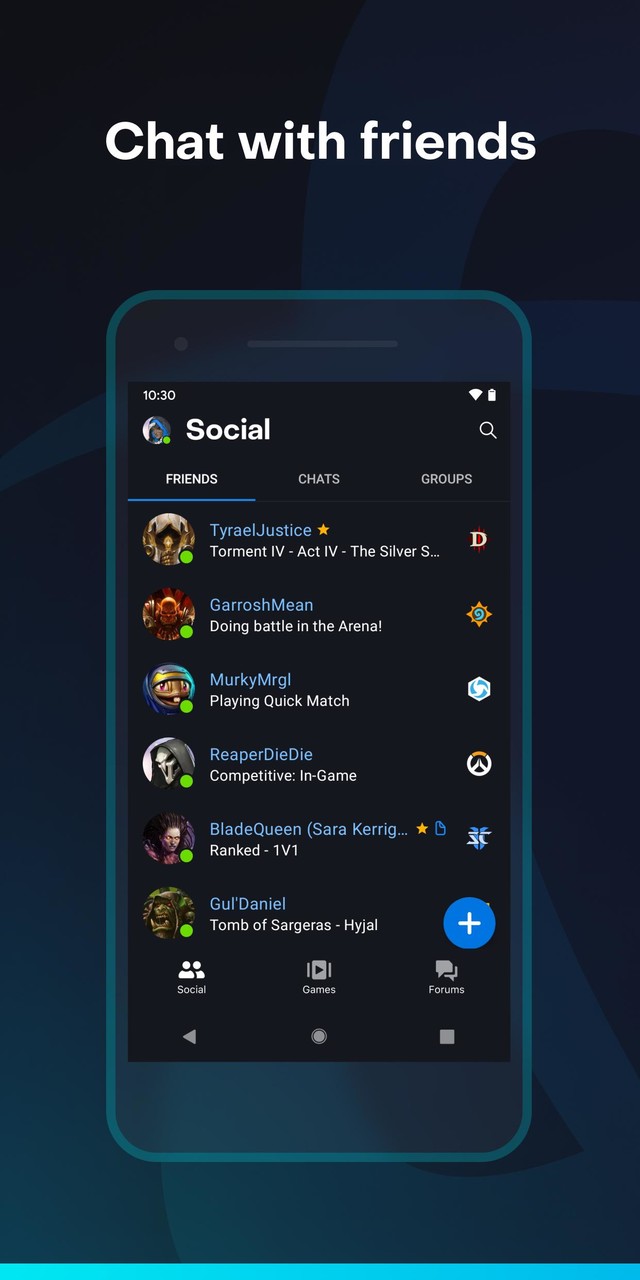
The Battle.net mobile app lets you stay connected with your friends wherever you are. Chat with friends, see what game they're playing, and add new ones--right from your mobile device.

Chat with friends:
With mobile chat, it's easier to coordinate play time, discuss strategies, or just stay in touch. Even if your friends are unavailable or offline, chat history and notifications keep the conversation going.

See what your friends are playing:
You can see at a glance what all your friends are up to, so you know when to jump into a game--or when to get one going yourself. Never miss an opportunity to play together.

Add new friends on the go:
All the features for managing and adding friends on the Battle.net desktop app are now on your phone. Send and receive friend requests, browse friend suggestions, or even scan a QR code to easily add friends in person.

Keep up with the community:
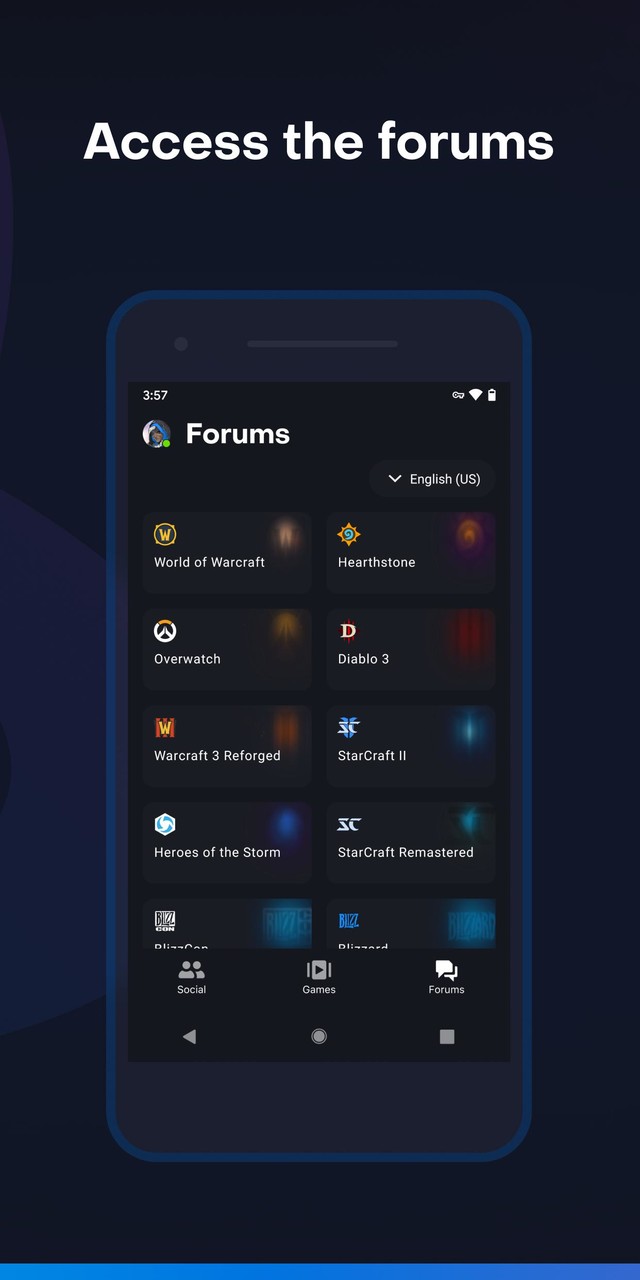
Post, read, and stay up to date with your favorite game communities through the Forums tab in the Battle.net mobile app.

Contact Blizzard Support:
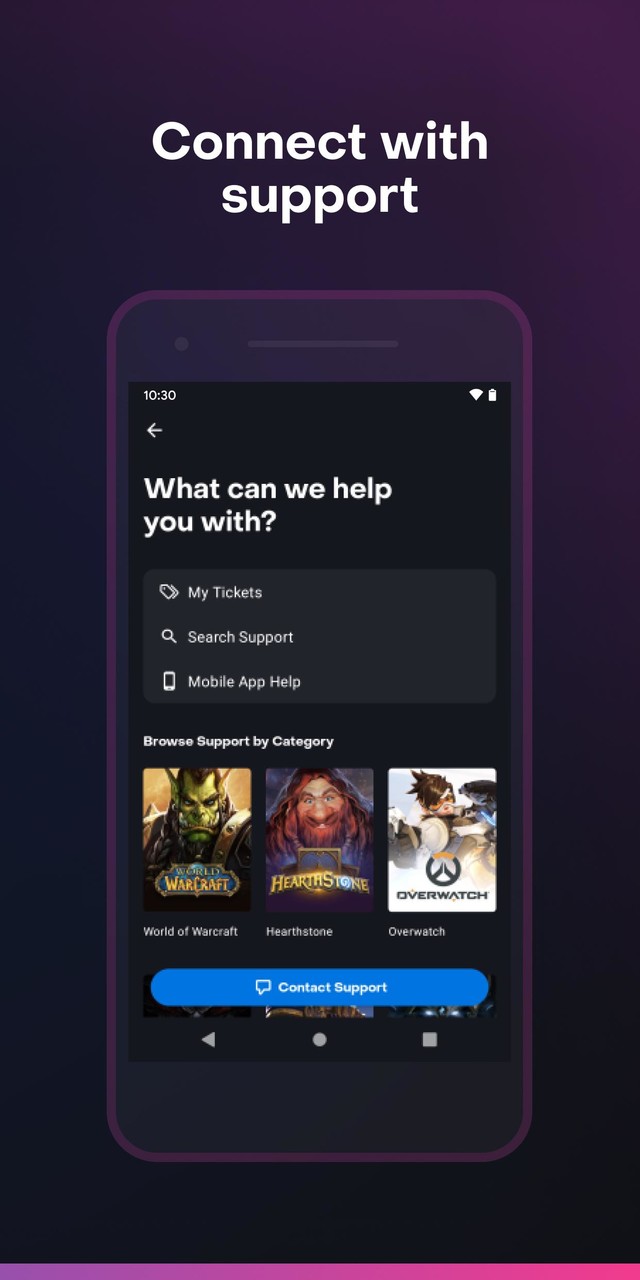
Let us help you get back into game - browse support articles, open new tickets, and reply to ongoing tickets directly from the app.

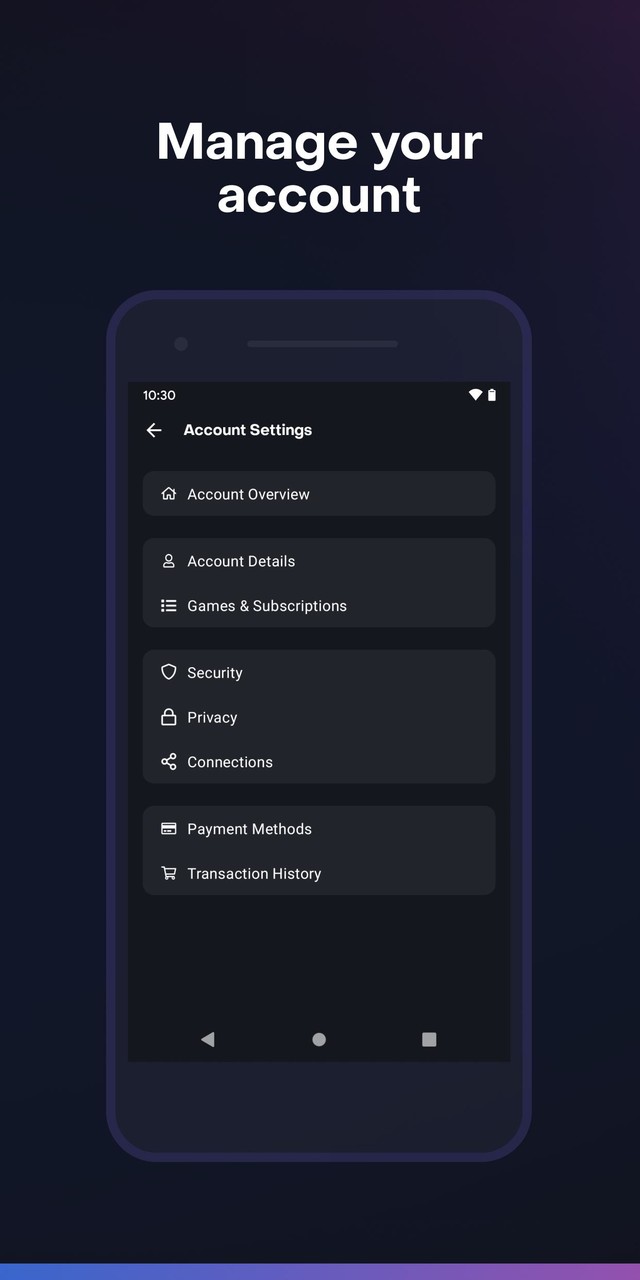
Keep your Battle.net account secure:
Direct access to your account settings helps you manage and protect your account.

Airtime or Wi-Fi connection required for use.

Languages Supported:
* English
* Français
* Deutsch
* Español (Latinoamérica)
* Español (Europa)
* Português
* Italiano
* Polski
* Русский
* 한국어 (Korean)
* 繁體中文 (Traditional Chinese)
* 简体中文 (Simplified Chinese)
* 日本語 (Japanese)
* ไทย (Thai)

©2021 Blizzard Entertainment, Inc. All right reserved. Android is a trademark of Google Inc. All other trademarks referenced herein are the properties of their respective owners.
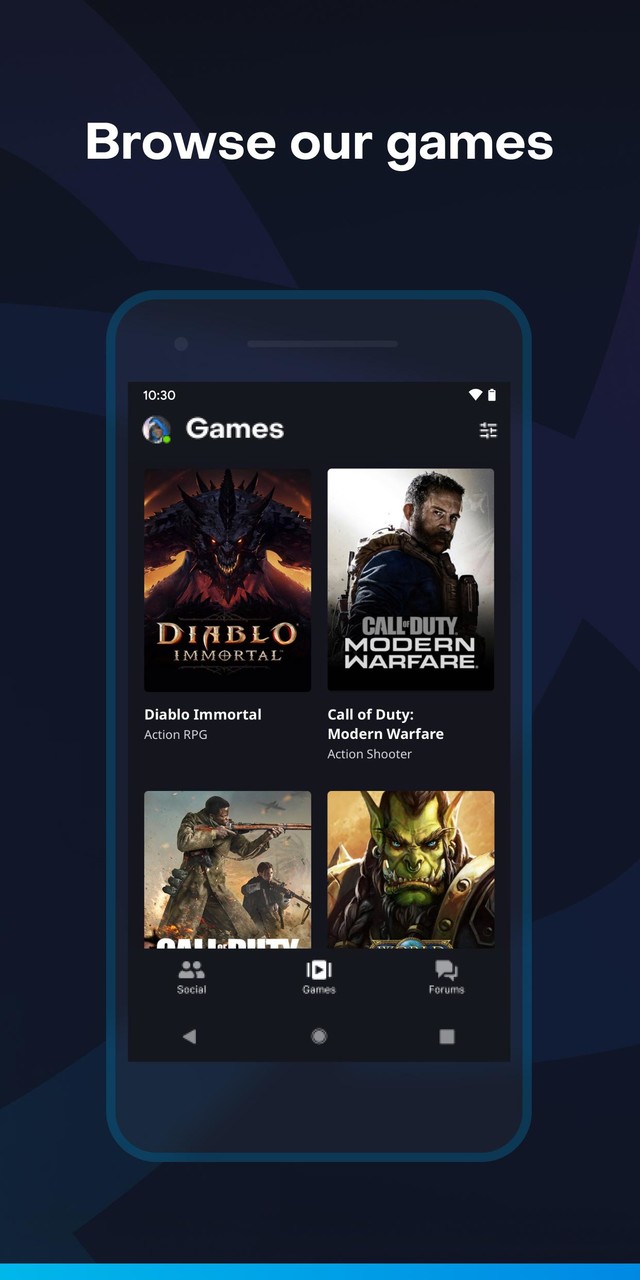
Your games on the go! Check out everything your games have to offer through the brand-new Game Library:
•	Game patch notes
•	Public communities
•	Official social media accounts
•	Forums, Support, and resources
Minor bug fixes and improvements.











Google Duo is a free video calling tool app launched by Google. Google Duo is an Allo video assisting technology. It can make smooth calls even if the network speed is not fast. The Google Duo app is easy to operate, safe and reliable, and full of fun.
Description of Google Duo APK
Google Duo APK supports multi-segment undifferentiated video communication, and supports up to 32 people to communicate at the same time, which is very suitable for communication between family members. The software optimizes the network very well, and can automatically select the definition according to the user's network environment to ensure that the call can go on smoothly. The software is completely free to use, and everyone can communicate efficiently as long as there is a network. At the same time, you can also add interesting filter and sticker effects to your picture during video calls, making the atmosphere more active during video communication.
Google Duo APK Reviews
I have to mention that the design of Google Duo is really too simple. The account number is your mobile phone number. You can call the other party directly by clicking on the address book. If you don’t need a ladder all the way, it will replace Facetime. In addition, before you answer the call, you can see the other party's anxious, expectant or funny appearance (don't worry, the other party can't see you). Think about it, if you see the angry faces of your boss and colleagues in the conference room in the incoming call information, you can also be mentally prepared to connect to the video message, or pretend not to see it tactfully and gracefully.
Google Duo has merged into Google Meet
Google has added the Google Meet function to Google Duo to provide online multi-person meetings, virtual backgrounds, chat rooms, real-time subtitles and screen sharing. And it can connect to Google services such as Gmail and Google Assistant. The original Google Duo was renamed Google Meet.
Google has merged the functions of Google Duo and Google Meet, so that Google Duo can have more practical functions of Google Meet, and will further adjust the name to Google Meet later.
Google Duo and Google Meet are originally different services. The former was originally used to allow users to communicate online through mobile phones, while the latter evolved from the early Hangouts service and became a service for corporate online meetings. However, due to the epidemic Change the way of life, so that Google will open this service to general users for free in the future.
Users originally registered on Duo, to use Google Meet, go to Duo.google.com (this URL will be automatically updated in a future version) If you are a new user, you can register your phone number in two ways , on a computer, go to Duo.google.com,
If it's on your mobile device, you can download and sign up for the new Google Meet directly.










 Download (19.4MB)